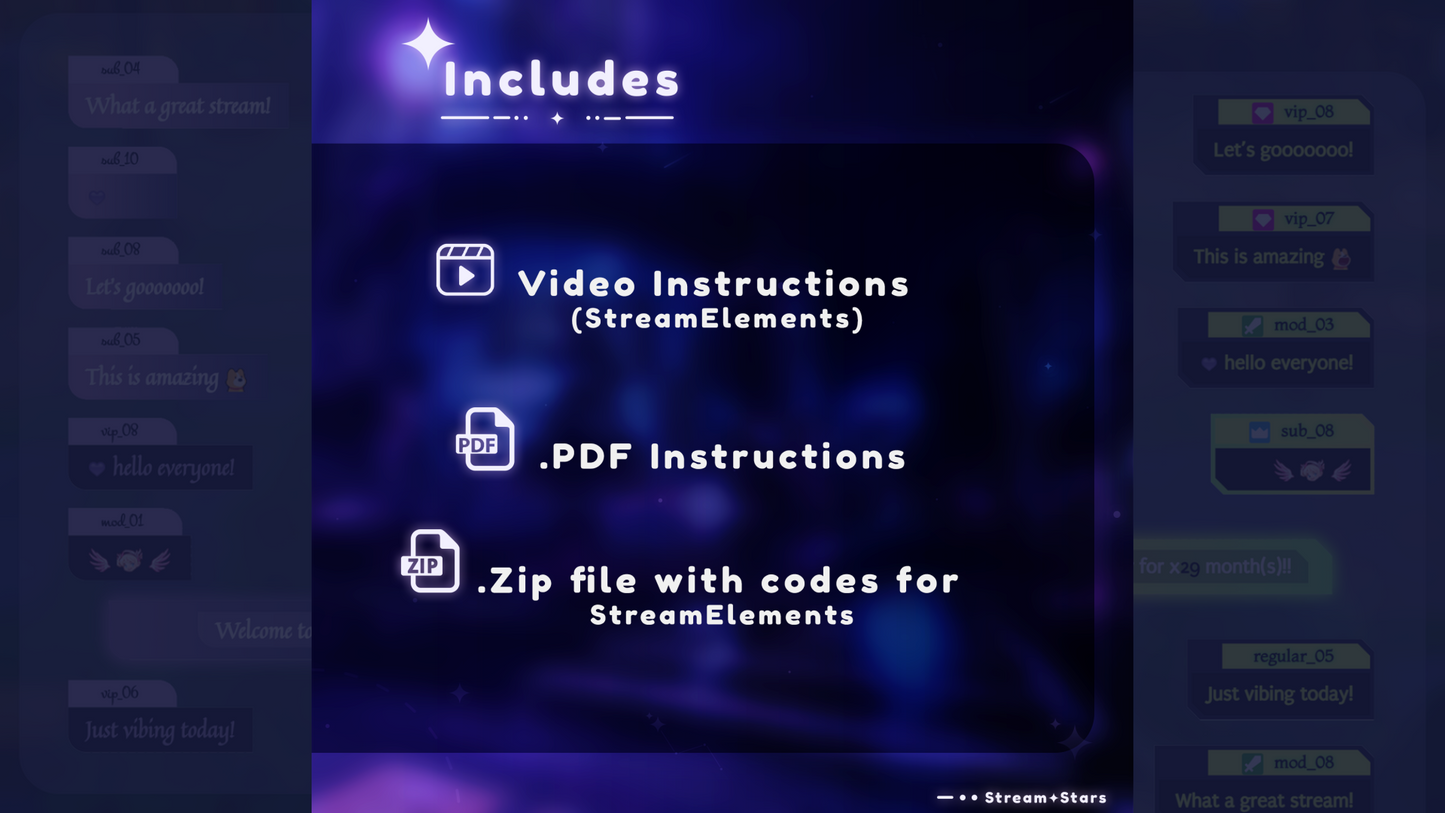
What's Included

Everything you need to launch a polished stream setup.

Stream Widgets

Chat Box, Event List, Goal Bars, Stream Alerts

Platforms

Twitch , YouTube , Instagram , TikTok , Kick , Facebook

Compatibility

OBS Studio , Streamlabs Desktop , StreamElements , Meld Studio

Overview

A flexible, lightweight chat box with multiple styles. Customize colors, layout, and animations. Includes integrated alerts for live events.

Perfect For

  • “Starting Soon,” “BRB,” Intermission, and Chatting screens
  • Live chat overlays with role-based highlights and built-in moderation

Runs Smoothly On

  • StreamElements 
  • OBS Studio and Streamlabs Desktop via Browser Source
  • Works with: Twitch

Customization Options

  • Layouts: 7 ready-made chat styles
  • Colors and Themes: edit text, bubble, message box, and username box; choose from pre-made color themes
  • Alignment: left, center, or right
  • Bubble Size: adjust bubble dimensions
  • Message Limit: set the maximum number of visible messages
  • Highlights and Permissions: role highlights, chat permissions, and ban list for users and messages
  • Pop-up Animations: multiple entry animation options
  • Integrated Alerts: Follow, Subscribe, Tip, Cheers, and Raid
  • Alert Controls: alert animation, custom sound, and customizable event text

Compatibility

  • Built for: StreamElements
  • Also works with: OBS Studio and Streamlabs Desktop (Browser Source)
  • Platform: Twitch 

What’s Included

  • One-click Setup Link (StreamElements)
  • .zip file with StreamElements widget code: HTML, CSS, JS, Custom Fields, and Data
  • Detailed PDF setup guide for installation and customization
  • Step-by-step installation video

Notes

  • Alert color uses the same gradient as highlight
  • Instant digital download
  • Mockups match the product; minor details may vary
  • Non-refundable

Support

Frequently Asked Questions

Does this widget work with my streaming setup?

Yes. StreamSpell widgets are made for streaming setups that support browser sources or widget URLs, including Streamlabs, OBS Studio, StreamElements, and similar apps.

How do I install this widget?

Most StreamSpell widgets include a quick install link for Streamlabs. You can also copy the widget URL from Streamlabs and add it manually as a browser source or widget URL in apps that support custom widgets.

Can I customize the widget?

Customization depends on the widget. Some widgets include editable settings or custom fields, while others are designed as finished ready-to-use layouts. Check the product details for the exact options included.

Can I use it on Twitch, YouTube, Kick, or Facebook?

Yes. The widget can be used with streams on Twitch, YouTube, Kick, Facebook, and other platforms as long as your streaming app supports the widget setup.

What is included in the download?

The download includes the widget setup files, links, or instructions listed in the product details. Exact contents may vary by widget.

Is this a physical product?

No. This is a digital download. After purchase, you receive access to the files or setup instructions online.

Jacuá

Ultimate MultiStyle Chat

Stream Widgets

Regular price $12.00 USD
Sale price $12.00 USD
Sale Sold out
Shipping calculated at checkout.
View full details

Details

Color
BluePurple
Compatibility
OBS StudioStreamlabs DesktopStreamElementsMeld Studio
Works with
TwitchYouTubeInstagramTikTokKickFacebook
File types
Quick Install Link
License
Personal Use
Delivery
Instant Digital Download