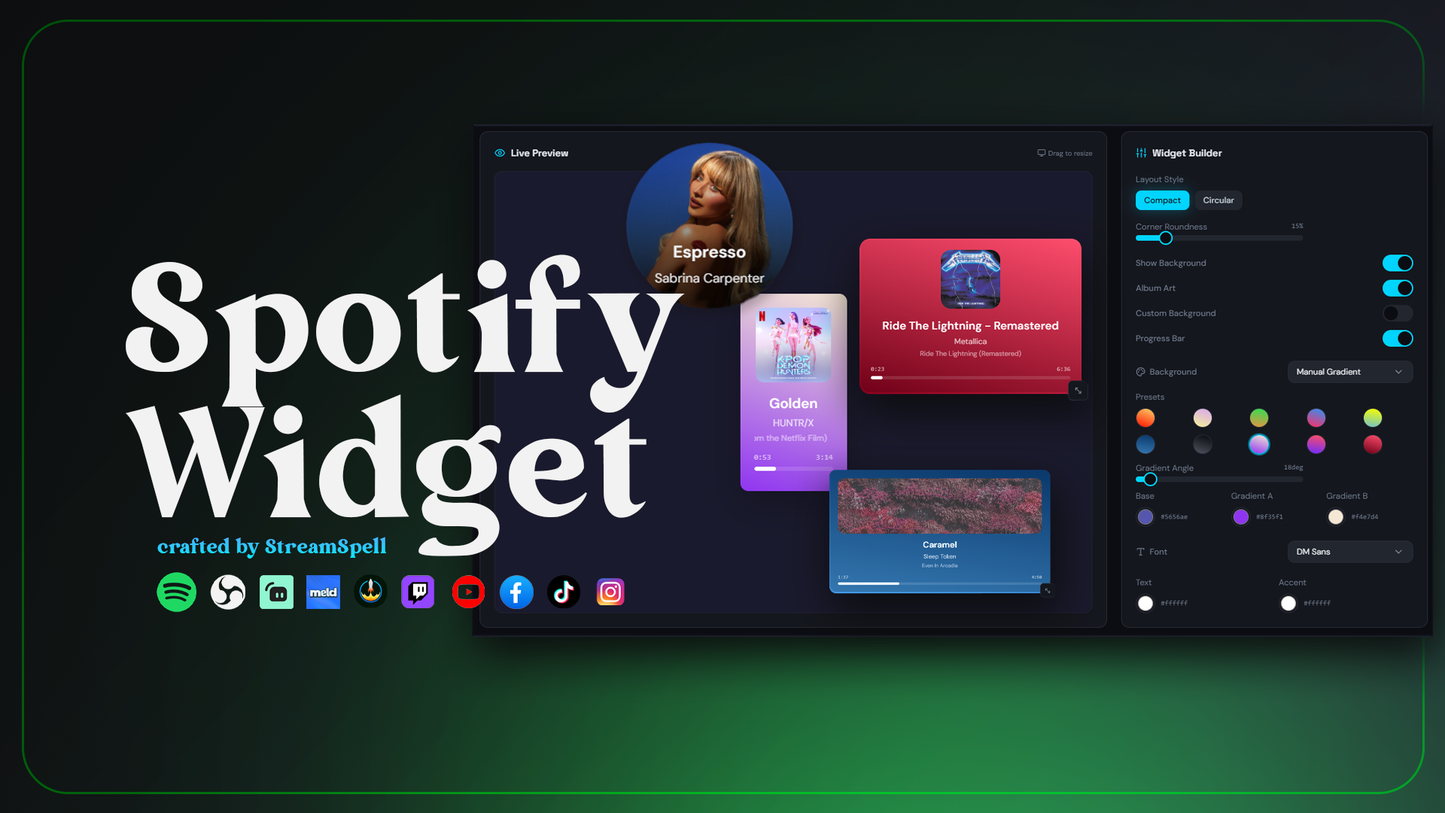
Stream Widgets
Spotify Widget
Works with all apps and platforms




.svg)



Show Spotify on stream!
Display your current Spotify track on stream with StreamSpell’s Spotify Widget!
Set it up in under one minute through StreamSpell Music Widget app, then use it anywhere: OBS Studio, Streamlabs, Meld, StreamElements Twitch, YouTube, Kick, or any platform or app that supports browser sources. Customize layout, colors, shape, fonts and style to match your brand and let your audience see the music vibe in real time!
Works everywhere: This stream widget is compatible with OBS Studio, Streamlabs, Meld Studio, StreamElements, and more streaming apps thanks to StreamSpell Music Widget app!
Brand-ready: fully color-customizable (background, accent, text) + shape control.
Fast setup: copy your widget URL, paste as browser source on your streaming app, done!
OBS Studio, Streamlabs, Twitch, YouTube, Kick, TikTok Live, and any platform that supports browser sources.
Setup Guide (PDF)
StreamSpell Music Widget app
Yes. The Spotify Widget can be used with any streaming app and platform that supports browser sources or widget URLs.
To install, just run the installer included in your download and start customizing the widget.
Yes. It includes advanced customization options like colors, gradients, borders, corner curvature, and more.
Yes. You can use it during live streams on any platform, as long as your streaming setup supports widget URLs or browser sources.
The download includes the installer and a step-by-step setup guide.
The widget currently supports Spotify, the native Apple Music app, iTunes, Amazon Music through Chrome/GSMTC, Pear Desktop, YTMDesktop, mpv, and the modern Windows Media Player.