What's Included

Everything you need to launch a polished stream setup.

Stream Widgets

Social Media Rotator

Platforms

Twitch , YouTube , Instagram , TikTok , Kick , Facebook

Compatibility

OBS Studio , Streamlabs Desktop , StreamElements , Meld Studio

Overview

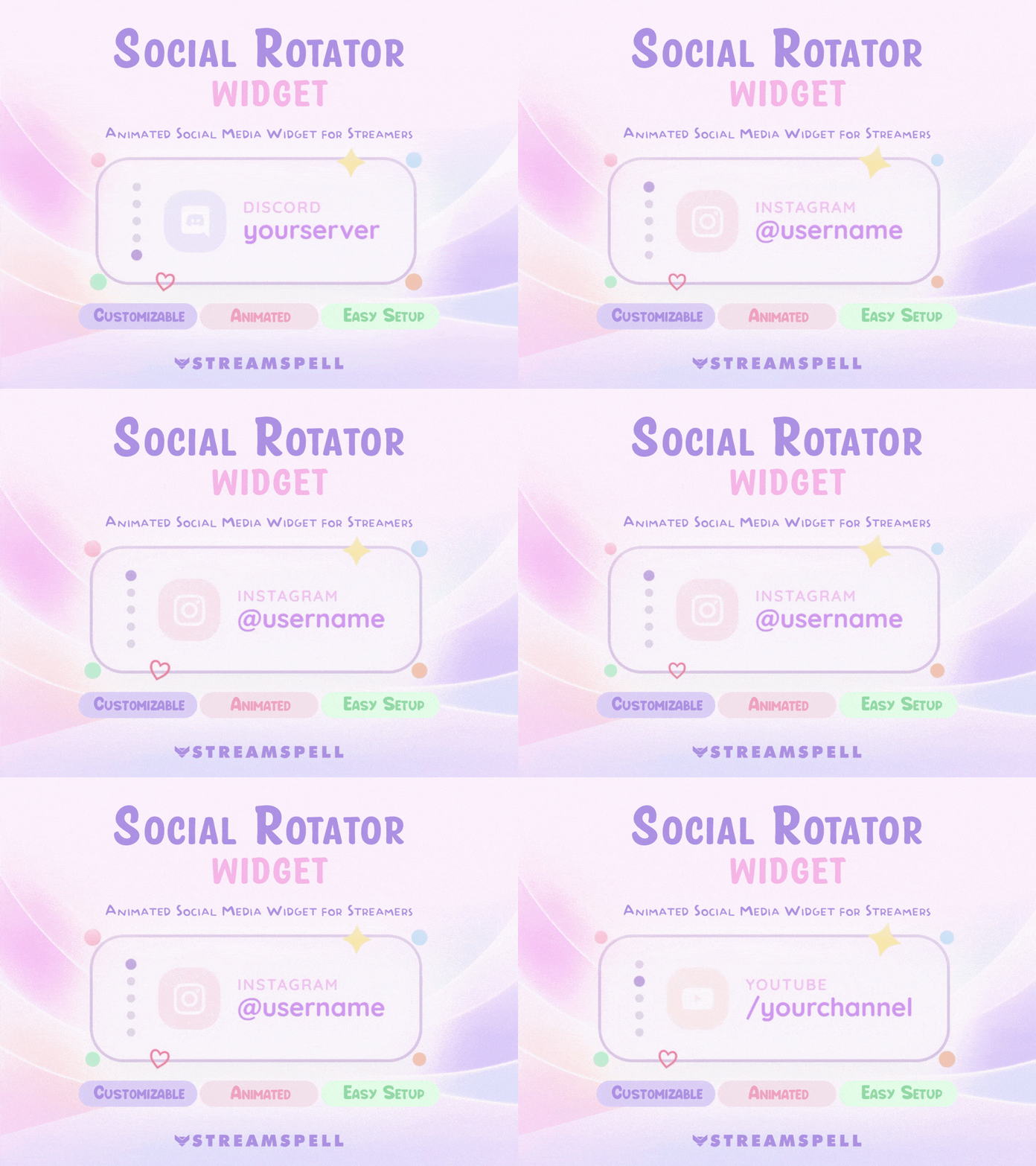
The Social Rotator Widget is a clean and lightweight widget that automatically cycles through your social profiles, helping viewers find and follow your platforms in an organized and eye-catching way.

With a cute, minimal, and modern style, this widget is a great fit for streamers who want to promote their social media without overcrowding their layout.

Perfect For

  • Cute and cozy Twitch streams
  • Just Chatting streams
  • Cozy gaming content
  • Kawaii stream setups
  • Minimal stream layouts
  • Twitch and YouTube creators
  • On-screen social media promotion

Runs Smoothly On

  • StreamElements
  • OBS Studio via Browser Source
  • Streamlabs via Browser Source

Customization Options

  • Social Profiles: add multiple platforms and include a custom social media option.
  • Usernames: set your @username for each platform.
  • Timing: control how long each social profile stays on screen.
  • Colors: customize text color, decorative elements color, background color, and icon color.

Compatibility

  • Built for: StreamElements
  • Also Works with: OBS Studio and Streamlabs via Browser Source

What’s Included

  • Social Media Rotator Widget Install File (One-click setup link)
  • Built-in Customization Panel
  • Setup Guide

Support

  • If you need help with setup or installation, feel free to contact us.

Give your socials a sweet spot on stream without taking away from your cozy vibe.

Frequently Asked Questions

Does this widget work with my streaming setup?

Yes. StreamSpell widgets are made for streaming setups that support browser sources or widget URLs, including Streamlabs, OBS Studio, StreamElements, and similar apps.

How do I install this widget?

Most StreamSpell widgets include a quick install link for Streamlabs. You can also copy the widget URL from Streamlabs and add it manually as a browser source or widget URL in apps that support custom widgets.

Can I customize the widget?

Customization depends on the widget. Some widgets include editable settings or custom fields, while others are designed as finished ready-to-use layouts. Check the product details for the exact options included.

Can I use it on Twitch, YouTube, Kick, or Facebook?

Yes. The widget can be used with streams on Twitch, YouTube, Kick, Facebook, and other platforms as long as your streaming app supports the widget setup.

What is included in the download?

The download includes the widget setup files, links, or instructions listed in the product details. Exact contents may vary by widget.

Is this a physical product?

No. This is a digital download. After purchase, you receive access to the files or setup instructions online.

StreamSpell

Social Media Rotator Widget

Stream Widgets

Regular price $5.00 USD
Sale price $5.00 USD
Sale Sold out
Shipping calculated at checkout.
View full details

Details

Color
PurplePink
Compatibility
OBS StudioStreamlabs DesktopStreamElementsMeld Studio
Works with
TwitchYouTubeInstagramTikTokKickFacebook
File types
Quick Install Link
License
Personal Use
Delivery
Instant Digital Download

