Stream Widgets
Social Media Widget
Works with all apps and platforms




.svg)



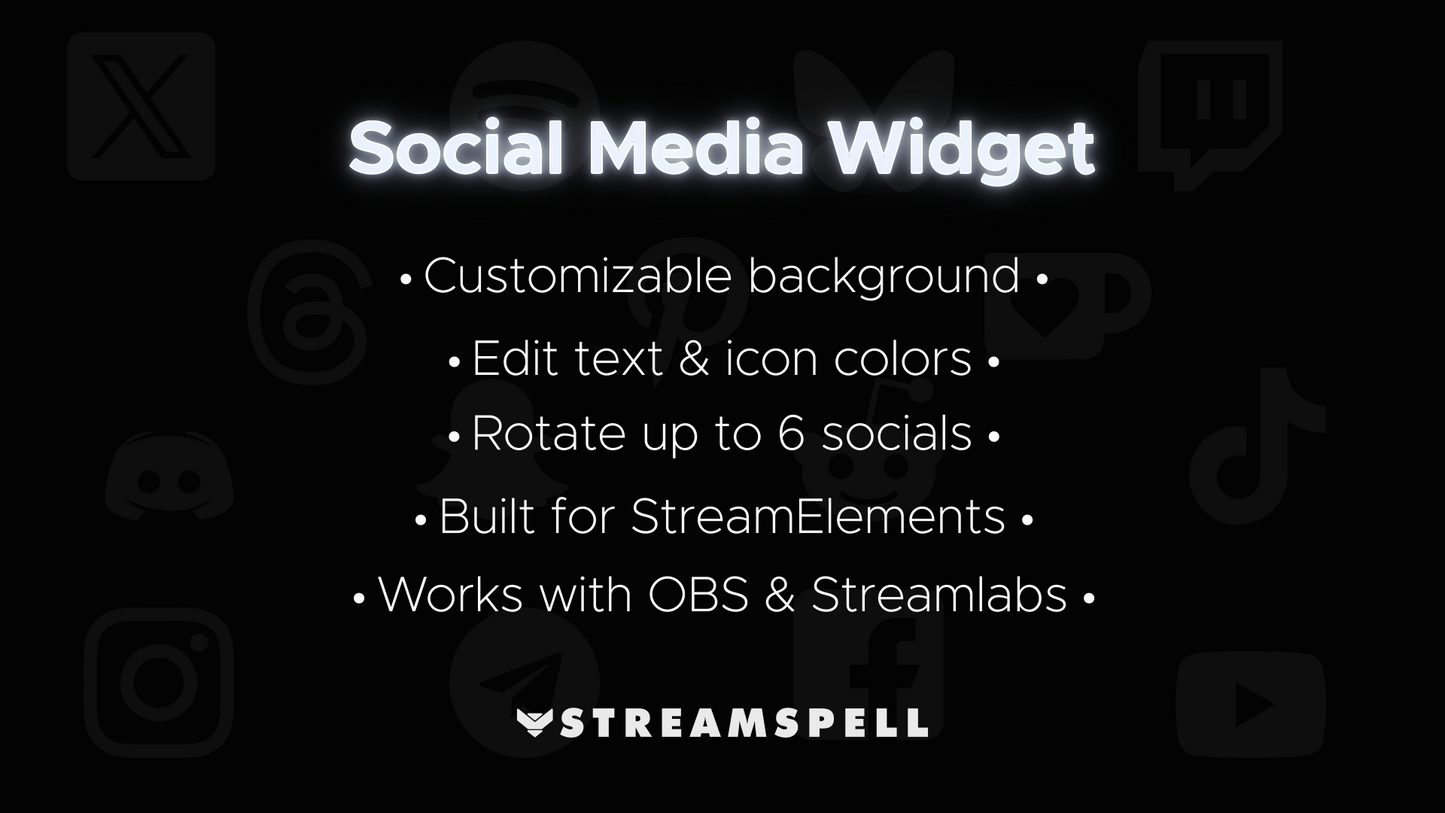
The Social Media Widget is a sleek and lightweight widget that automatically cycles through your profiles (TikTok, Instagram, YouTube, X/Twitter, Discord, and more!).
“Starting Soon”, "BRB", Intermission and Chatting screens.
Runs smoothly on OBS Studio and Streamlabs via Browser Source.
Timing: set duration per social profile.
Text: adjust size and color.
Background: solid or gradient with custom colors, opacity, angle, and border radius.
Icons: change size and color.
Social Profiles: up to 6, each with platform selection, @username, and custom call-to-action.
Built for: StreamElements
Also Works with: OBS Studio & Streamlabs (via Browser Source)
StreamElements Widget Install File
Setup Guide
Yes. StreamSpell widgets are made for streaming setups that support browser sources or widget URLs, including Streamlabs, OBS Studio, StreamElements, and similar apps.
Most StreamSpell widgets include a quick install link for Streamlabs. You can also copy the widget URL from Streamlabs and add it manually as a browser source or widget URL in apps that support custom widgets.
Customization depends on the widget. Some widgets include editable settings or custom fields, while others are designed as finished ready-to-use layouts. Check the product details for the exact options included.
Yes. The widget can be used with streams on Twitch, YouTube, Kick, Facebook, and other platforms as long as your streaming app supports the widget setup.
The download includes the widget setup files, links, or instructions listed in the product details. Exact contents may vary by widget.
No. This is a digital download. After purchase, you receive access to the files or setup instructions online.