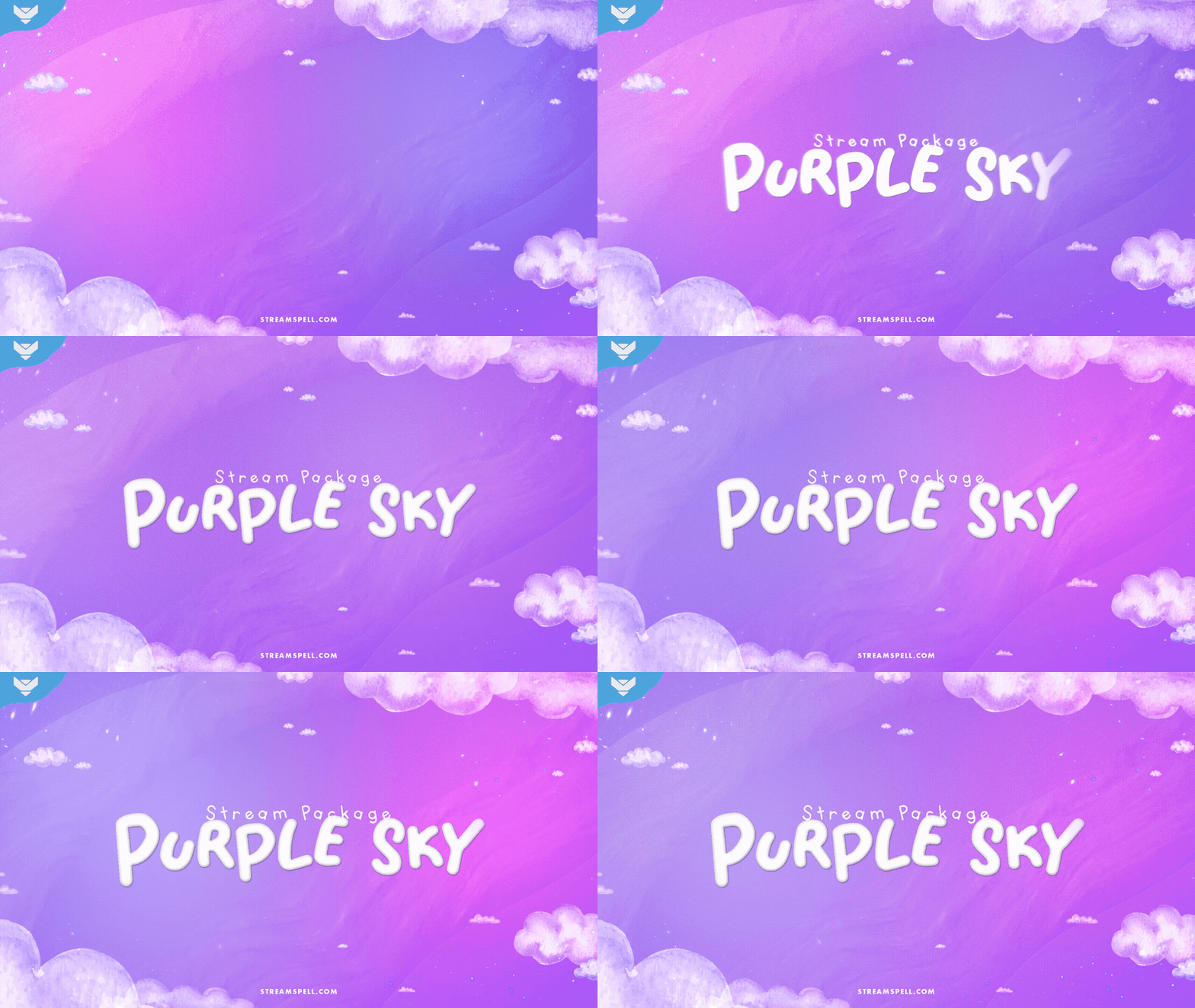
Screens
Animated: 4 Horizontal, 4 Vertical
Starting Soon , Be Right Back , Ending , Just Chatting
Offline screen included
Works with all apps and platforms




.svg)



Everything you need to launch a polished stream setup.
Animated: 4 Horizontal, 4 Vertical
Starting Soon , Be Right Back , Ending , Just Chatting
Offline screen included
12 Animated Alerts
Twitch, YouTube, Facebook, Kick
1 Webcam Overlay
Ratios: 16:9
Event Slot
Animated Transition
Profile Picture, Banners, Stream Panels
PSD Source Files, Fonts, Icons
Step-by-step setup included
Upgrade your stream instantly with Purple Sky Stream Package – fully animated, easy to install, and 100% compatible with OBS Studio, Streamlabs Desktop, and StreamElements.
All designs have full compatibility with Streamlabs Desktop and StreamElements.
Now I walk under a purple sky! ☁️💜
Fluffy clouds, an intense sky and that cute aesthetic! You can find all of this and more on our new Purple Sky Stream Package!
Nature shows all of its charm everytime the sky turns purple and StreamSpell wanted to bring this lovely feeling to this aesthetic package.
Following a beautiful purple color palette, white clouds and sparkly particles everywhere, this overlay is here to
Watch a cute frame pop up on your screen, bringing soft clouds, a cool breeze and all of our animated alerts to life!
In our animated transition, you'll witness the clean purple sky take over your screen and lead you and your viewers to the next scene on your stream!
Meant for:
Works perfectly with:
This package contains:
Yes. StreamSpell stream packages are made for OBS Studio, Streamlabs Desktop, StreamElements, and other streaming apps that support custom media sources, overlays, alerts, and widgets.
The download includes the files and setup assets you need to add the package to your stream. Streamlabs users can use the included quick install file. Other apps can be set up manually by adding the included screens, overlays, alerts, widgets, and transition files.
You can easily change colors of any stream overlay by right clicking the overlay's source, clicking on Filters and then adding a Color Correction filter.
Yes. The stream assets are platform-friendly and can be used while streaming on Twitch, YouTube, Kick, Facebook, TikTok, Instagram, and other platforms, as long as your streaming app supports the included media and widget setup.
The package includes the stream assets listed in the “What’s Included” section, such as screens, overlays, alerts, widgets, transitions, setup files, and guides when available.