Overview
GTA VI OBS Studio Stream Deck Profile
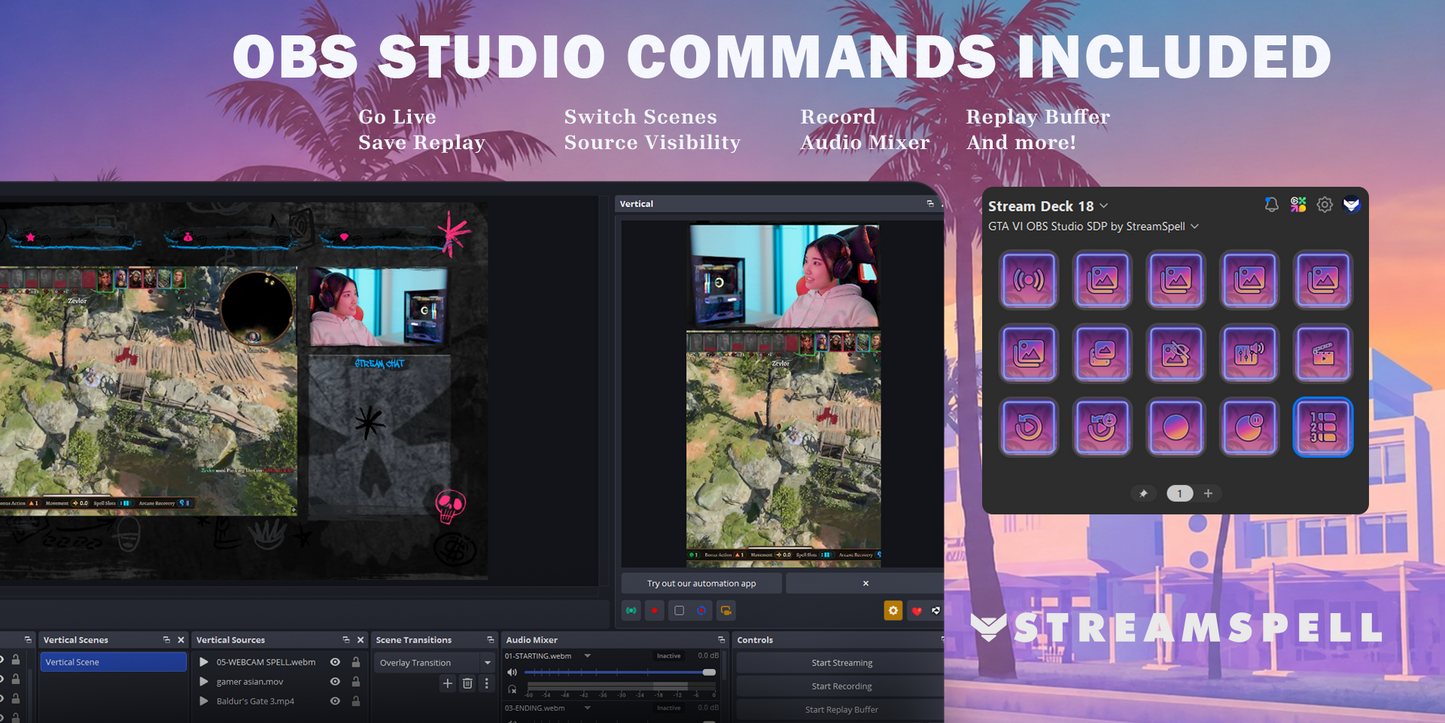
Take control of OBS Studio from your Stream Deck with a GTA VI-inspired animated profile by StreamSpell. Switch scenes, manage sources and audio, control recording, and run your stream without digging through menus or hotkeys.
What's included
- Import-ready OBS Studio Stream Deck profiles for supported devices
- Animated GTA VI-themed icons with matching toggle states
- A streaming-focused layout built around real OBS Studio actions
OBS Studio controls
- Start streaming / Go Live
- Switch scenes and scene collections
- Start, pause, and stop recording
- Control Replay Buffer and save replays
- Show or hide sources
- Control audio mixer actions
- Control media sources
Compatible devices
- Stream Deck Mini
- Stream Deck Neo
- Stream Deck MK.2
- Stream Deck +
- Stream Deck XL
- Galleon 100 SD
Requirements
- Windows
- Elgato Stream Deck software 7.1 or later
- OBS Studio plugin
Frequently Asked Questions
Does this work with Elgato Stream Deck?
Yes. StreamSpell Stream Deck products are designed for Elgato Stream Deck software.
Can I customize the buttons?
Yes. You can edit actions, icons, and profiles inside the Stream Deck software.
Is this a physical Stream Deck?
No. This is a digital product for use with Stream Deck software and compatible devices.
Details