Screens
Animated: 4 Horizontal
Starting Soon , Be Right Back , Ending , Just Chatting
Offline screen included
Works with all apps and platforms




.svg)



Everything you need to launch a polished stream setup.
Animated: 4 Horizontal
Starting Soon , Be Right Back , Ending , Just Chatting
Offline screen included
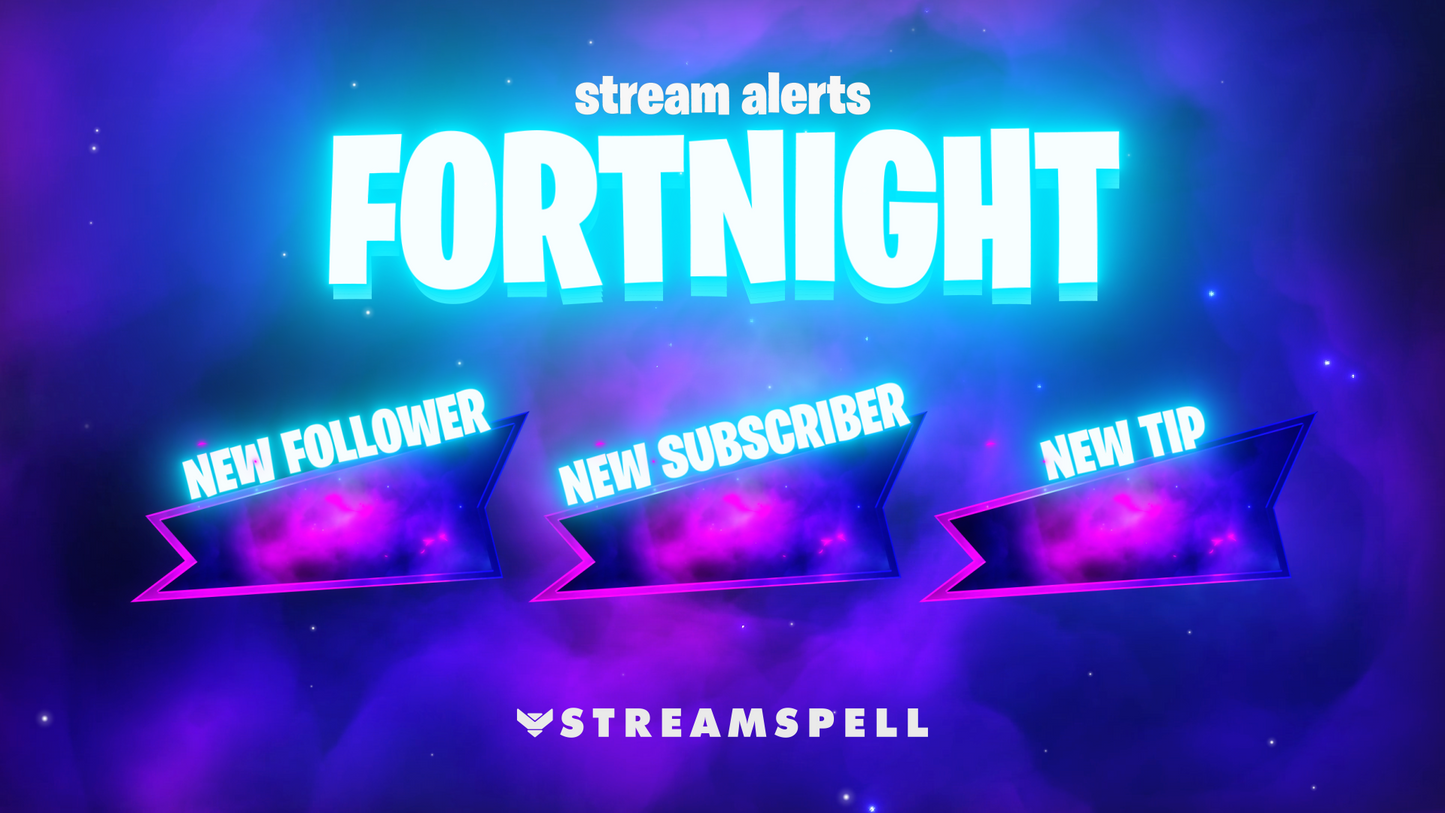
12 Animated Alerts
Twitch, YouTube, Facebook, Kick
1 Webcam Overlay
Ratios: 16:9
Event Slot
Animated Transition
Step-by-step setup included
Bring high-energy Battle Royale action to your stream with the FORTNIGHT! Stream Overlays, created for Fortnite fans who want bold visuals, animated alerts, and gameplay-reactive effects that match every Victory Royale moment.
From shield boosts to clutch wins, this package enhances your stream with dynamic animations while keeping your gameplay front and center.
Compatible with OBS Studio, Streamlabs Desktop, and StreamElements. Easy installation. Battle-ready style.
Widgets can be used in OBS via Browser Source.
Reactive Overlays are exclusive to Streamlabs Desktop.
Apex Legends
Battlefield
Black Ops 6
Counter-Strike 2
Fortnite
League of Legends
Marvel Rivals
Overwatch 2
PUBG
Rainbow Six Siege
Valorant
War Thunder
Warzone …and more gaming titles coming soon.
Drop in, build fast, and secure every Victory Royale with FORTNIGHT! Stream Overlays!!
Yes. StreamSpell stream packages are made for OBS Studio, Streamlabs Desktop, StreamElements, and other streaming apps that support custom media sources, overlays, alerts, and widgets.
The download includes the files and setup assets you need to add the package to your stream. Streamlabs users can use the included quick install file. Other apps can be set up manually by adding the included screens, overlays, alerts, widgets, and transition files.
You can easily change colors of any stream overlay by right clicking the overlay's source, clicking on Filters and then adding a Color Correction filter.
Yes. The stream assets are platform-friendly and can be used while streaming on Twitch, YouTube, Kick, Facebook, TikTok, Instagram, and other platforms, as long as your streaming app supports the included media and widget setup.
The package includes the stream assets listed in the “What’s Included” section, such as screens, overlays, alerts, widgets, transitions, setup files, and guides when available.