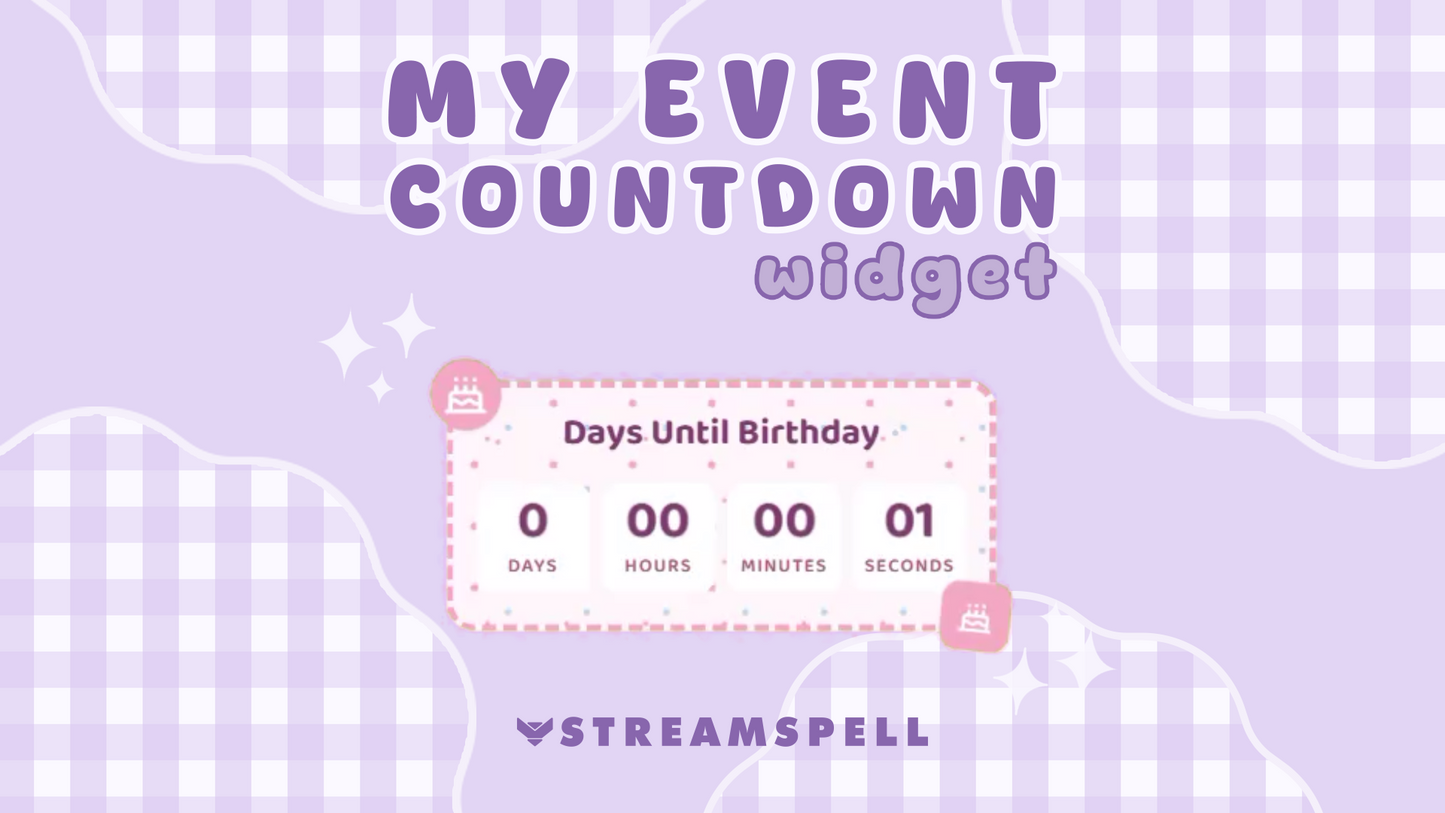
Stream Widgets
Event Countdown Widget
Works with all apps and platforms




.svg)
Build anticipation for upcoming events with the Event Countdown Widget by StreamSpell.
Create a customizable countdown timer for birthdays, holidays, game releases, channel anniversaries, special broadcasts, community events, and other important dates. Select your target date and time, choose a themed skin, customize the design, and display the countdown directly on your livestream.
The widget is hosted online and added through a Browser Source URL. No coding, plugins, or widget file downloads are required.
Choose how much countdown information appears on screen:
Add a custom title and create a personalized message that appears when the countdown reaches zero. You can also preview and test the completed state before going live.
Choose from four themed designs:
Each skin includes its own color presets and decorative options for a faster setup.
Add the hosted Event Countdown Widget through a Browser Source in:
Use the widget on livestreams for:
Keep important dates visible, build anticipation, and celebrate special moments with your community using a countdown that matches your stream.
Yes. Add the hosted Event Countdown as a Browser Source in Streamlabs Desktop, OBS Studio, StreamElements, or another app that supports browser-source URLs.
Yes. The Widget Hub editor lets you customize the countdown title, numbers, labels, completed message, colors, typography, borders, patterns, icons, glow, and completion effects.
Yes. It works with Twitch, YouTube, Kick, Facebook Gaming, TikTok LIVE, and other platforms when used through compatible streaming software.
Yes. Choose the Calendar, Birthday, Christmas, or Halloween skin and switch between themed color presets.
Create and customize it in the StreamSpell Widget Hub, save the widget, copy its Browser Source URL, and paste that URL into your streaming software. An internet connection is required while streaming.
No. It is a hosted widget, so no plugin or asset download is required. You only need the Browser Source URL from Widget Hub.