Stream Deck Profile
Stream Deck profile included
Everything you need to launch a polished stream setup.
Stream Deck profile included
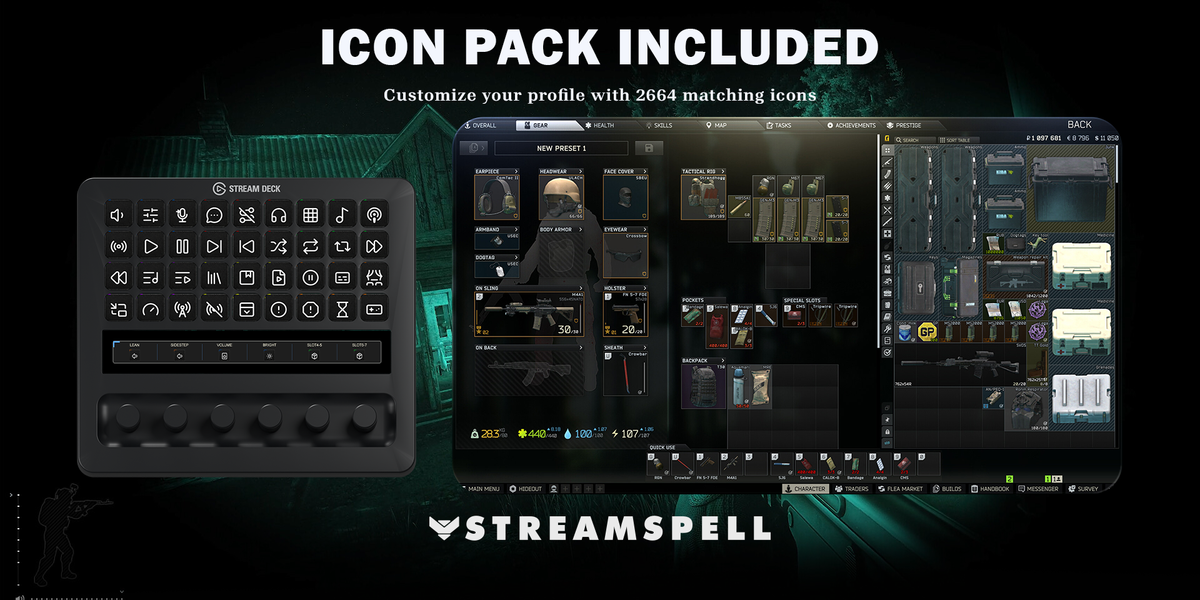
2664 icons included
Stream Deck Mini, Stream Deck Neo, Stream Deck MK.2, Stream Deck +, Stream Deck XL, Stream Deck + XL, Galleon 100 SD
Equip your Stream Deck for Escape from Tarkov with 78 keyboard actions. Six grouped categories use an original dark inventory-slot design with white symbols and colored selection tags.
Includes 7 Windows profiles, a CSV file with key mappings, 2664 static PNG icons in six accent colors and an installable Stream Deck icon pack.
Compatible with Stream Deck Mini, Neo, MK2, +, +XL, XL and Galleon 100 SD. Requires Windows, Stream Deck software and Escape from Tarkov for PC.
Uses documented US-QWERTY default keys. Match the CSV if you changed Controls or input types. Assign usable items to quick slots and voice/gestures to F2–F12 in the game first. Applicable weapon, helmet, VOIP and inventory contexts are required.
A tap sends a complete key press/release pair, including actions configured as Release in the game. Held buttons sustain the listed input; sprint and breath control remain default toggles. T+B is one simultaneous chord. Mouse movement/selection remains manual; no mouse inputs, automatic double taps or inspect/repair sequences are sent.
Stream Deck +: Smooth Lean Left/Smooth Lean Right, Sidestep Left/Sidestep Right, system volume, Stream Deck brightness. Stream Deck +XL: Smooth Lean Left/Smooth Lean Right, Sidestep Left/Sidestep Right, system volume, Stream Deck brightness, Assigned Quick Slot 4/Assigned Quick Slot 5, Assigned Quick Slot 6/Assigned Quick Slot 7. Galleon 100 SD: Smooth Lean Left/Smooth Lean Right, Sidestep Left/Sidestep Right, system volume, Stream Deck brightness. Rotation sends a short tap for each step; press/touch are not assigned to game commands. Alternative touch strip backgrounds are included.
Not affiliated with or endorsed by the game’s creators.
Yes. StreamSpell Stream Deck products are designed for Elgato Stream Deck software.
Yes. You can edit actions, icons, and profiles inside the Stream Deck software.
No. This is a digital product for use with Stream Deck software and compatible devices.