Screens
Animated: 4 Horizontal, 4 Vertical
Starting Soon , Be Right Back , Ending , Just Chatting
Offline screen included
Works with all apps and platforms




.svg)



Everything you need to launch a polished stream setup.
Animated: 4 Horizontal, 4 Vertical
Starting Soon , Be Right Back , Ending , Just Chatting
Offline screen included
12 Animated Alerts
Twitch, YouTube, Facebook, Kick
1 Webcam Overlay
Ratios: 16:9
Event Slot
Animated Transition
Profile Picture, Banners, Stream Panels
PSD Source Files, Fonts, Icons
Step-by-step setup included
Upgrade your channel with the Dream Stream Package: a pastel, glowing overlay set fully animated, easy to install, and 100% compatible with OBS Studio, Streamlabs Desktop, and StreamElements.
Smooth animated alerts sparkle with charm, and the stinger transition flows seamlessly between your scenes, keeping your broadcast polished and magical. With horizontal and vertical screens included, you can adapt your setup for traditional streaming or short-form content.
Cozy streams: chill and relaxed vibes
Aesthetic & kawaii-inspired streams: pastel and cute setups
Just Chatting: hangouts and casual content
Cozy games: Animal Crossing, Stardew Valley, Disney Dreamlight Valley
ASMR or art streams: relaxing and creative sessions
Twitch
YouTube
Facebook Gaming
Kick
Trovo
Streamlabs Desktop
StreamElements
OBS Studio
Lightstream
XSplit
and more!
Setup Tutorials
Animated Horizontal Screens – Starting, BRB, Ending
Animated Vertical Screens – Starting, BRB, Ending
Offline Screen – Vertical & Horizontal
Webcam Overlay – 16:9
12 Animated Alerts – Twitch, YouTube and Facebook Gaming
Animated Stinger Transition
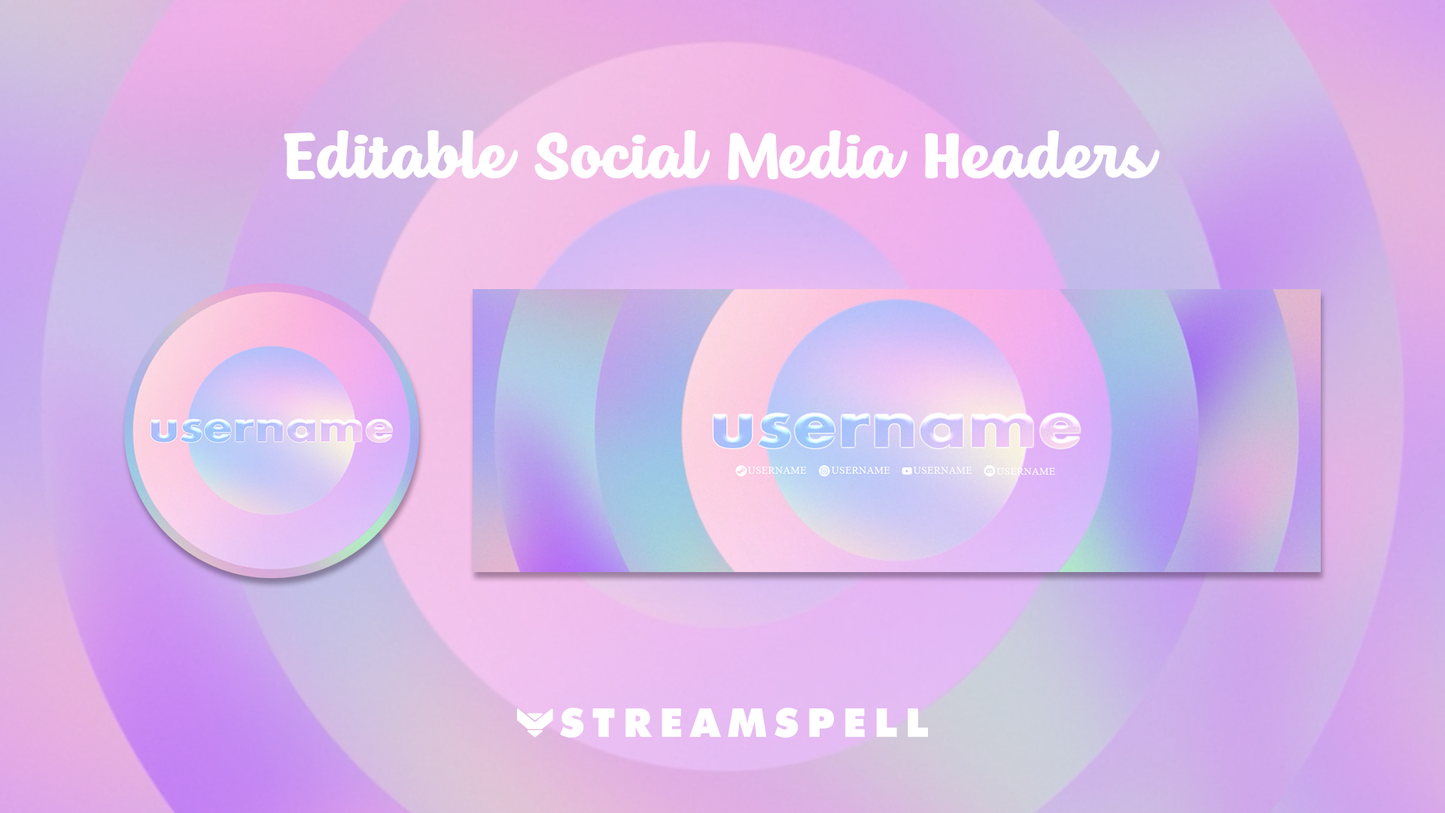
Social Media Headers – Twitch, Twitter, YouTube, Facebook
Social Media Profile Picture
Source Files (.PSD) – social media editable text
Font
Step into pastel colors and bring your dream aesthetic to life on stream.
Yes. StreamSpell stream packages are made for OBS Studio, Streamlabs Desktop, StreamElements, and other streaming apps that support custom media sources, overlays, alerts, and widgets.
The download includes the files and setup assets you need to add the package to your stream. Streamlabs users can use the included quick install file. Other apps can be set up manually by adding the included screens, overlays, alerts, widgets, and transition files.
You can easily change colors of any stream overlay by right clicking the overlay's source, clicking on Filters and then adding a Color Correction filter.
Yes. The stream assets are platform-friendly and can be used while streaming on Twitch, YouTube, Kick, Facebook, TikTok, Instagram, and other platforms, as long as your streaming app supports the included media and widget setup.
The package includes the stream assets listed in the “What’s Included” section, such as screens, overlays, alerts, widgets, transitions, setup files, and guides when available.