Screens
Animated: 4 Horizontal
Starting Soon , Be Right Back , Ending , Just Chatting
Offline screen included
Works with all apps and platforms




.svg)



Everything you need to launch a polished stream setup.
Animated: 4 Horizontal
Starting Soon , Be Right Back , Ending , Just Chatting
Offline screen included
12 Animated Alerts
Twitch, YouTube, Facebook, Kick
1 Webcam Overlay
Ratios: 16:9
Event Slot
Animated Transition
Profile Picture, Banners, Stream Panels
PSD Source Files, Fonts, Icons
Step-by-step setup included
Upgrade your stream instantly with DarkRealm Stream Package – fully animated, easy to install, and 100% compatible with OBS Studio, Streamlabs Desktop, and StreamElements.
The DarkRealm Stream Package has got you covered!
Inspired directly by the stark contrasts and dramatic visuals of black-and-white aesthetics, this bundle is perfect for those who want to stream games like The First Descedent, Apex Legends, or Elden Ring.
Check out this full preview:
This package includes:
One-click files: Simplify importing the package into your preferred streaming software. Tailored for Streamlabs and OBS Studio.
Animated Screens: Immerse your viewers with these Starting, BRB, and Ending animated screens.
Just Chatting Option: More alternatives for when you are live.
Offline Screen: Provide an appealing experience when you're not live.
11 Animated Alerts + sound effects: Ensure your audience never misses a moment.
16:9 Webcam Frame: Your face cam will seamlessly blend with a striking design.
Stream Labels & Custom Icons: Showcase essential information elegantly with these custom icons.
43 Stream Panels: Guide your viewers to different sections of your stream channel. Animated Stinger Transition: Transit between different scenes with a quick animation animation.
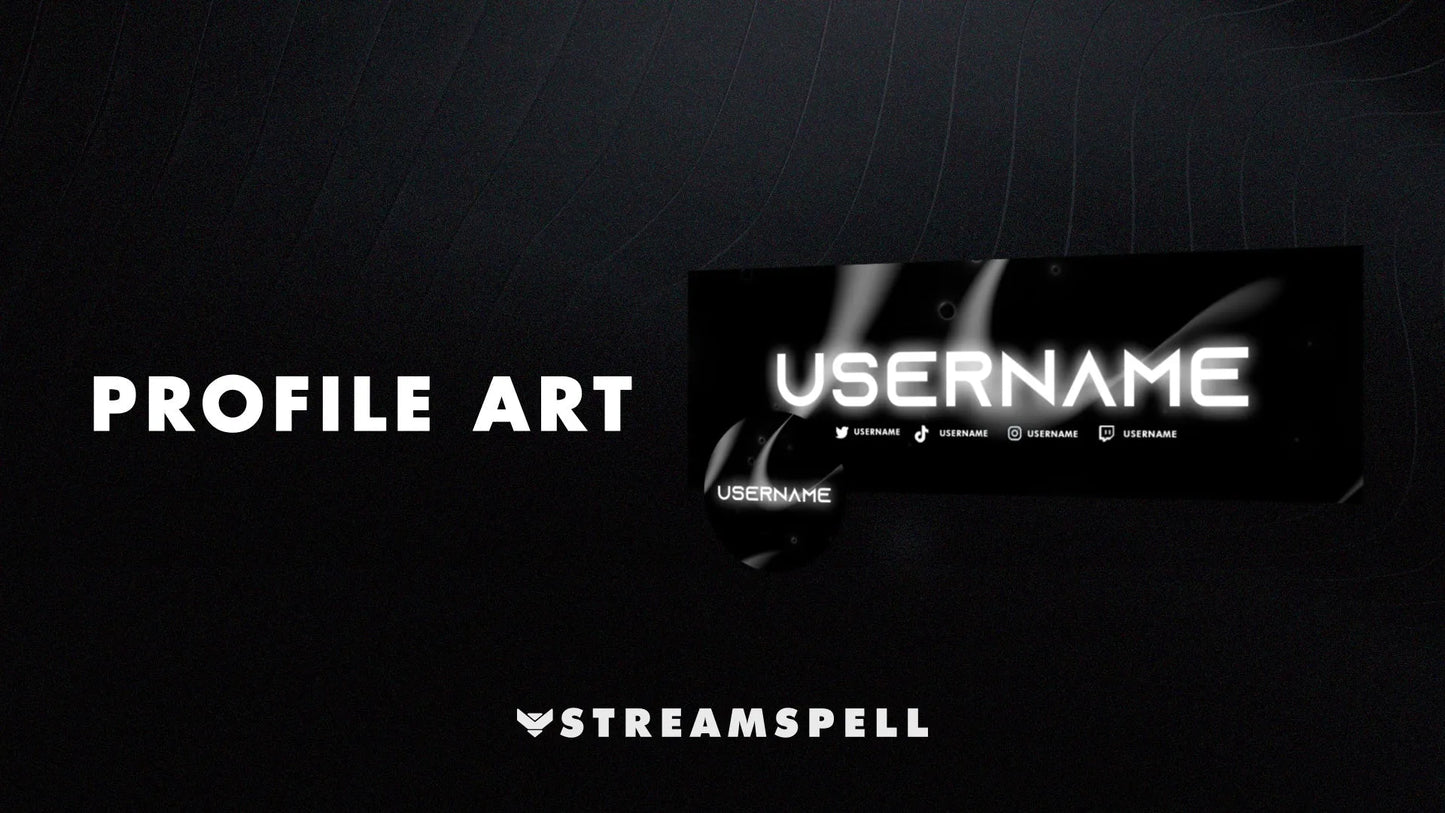
Social Media Headers + Profile Pictures: Extend your brand presence beyond streaming platforms.
Editable files: Use our provided .PSD files to edit your social media headers & profile picture.
Step into the DarkRealm and take your viewers with you!
Yes. StreamSpell stream packages are made for OBS Studio, Streamlabs Desktop, StreamElements, and other streaming apps that support custom media sources, overlays, alerts, and widgets.
The download includes the files and setup assets you need to add the package to your stream. Streamlabs users can use the included quick install file. Other apps can be set up manually by adding the included screens, overlays, alerts, widgets, and transition files.
You can easily change colors of any stream overlay by right clicking the overlay's source, clicking on Filters and then adding a Color Correction filter.
Yes. The stream assets are platform-friendly and can be used while streaming on Twitch, YouTube, Kick, Facebook, TikTok, Instagram, and other platforms, as long as your streaming app supports the included media and widget setup.
The package includes the stream assets listed in the “What’s Included” section, such as screens, overlays, alerts, widgets, transitions, setup files, and guides when available.