Screens
Animated: 4 Horizontal, 4 Vertical
Starting Soon , Be Right Back , Ending , Just Chatting
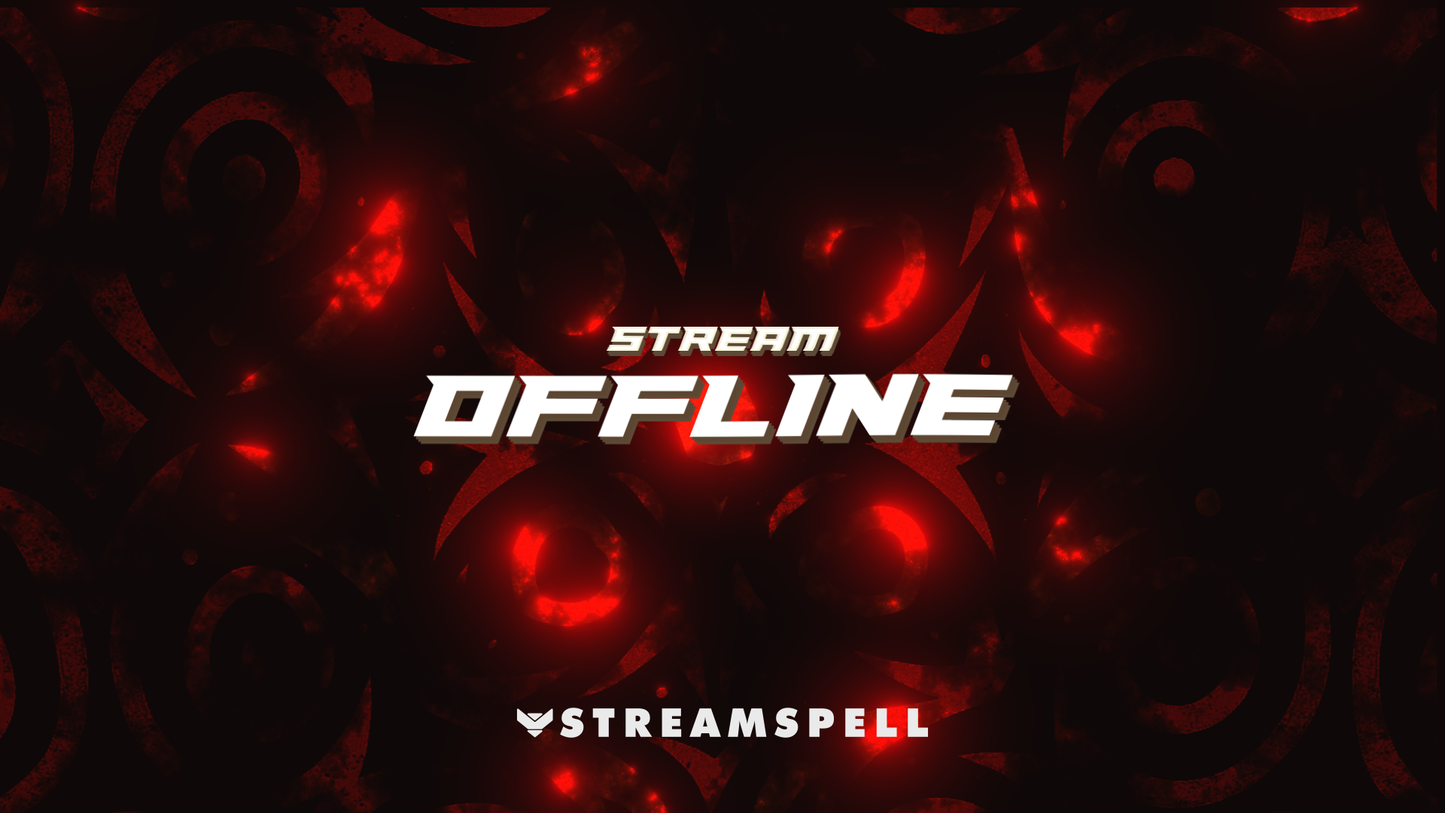
Offline screen included
Works with all apps and platforms




.svg)



Everything you need to launch a polished stream setup.
Animated: 4 Horizontal, 4 Vertical
Starting Soon , Be Right Back , Ending , Just Chatting
Offline screen included
12 Animated Alerts
Twitch, YouTube, Facebook, Kick
3 Stream Widgets
1 Webcam Overlay
Ratios: 16:9
Event Slot
Animated Transition
Step-by-step setup included
Streaming Pokémon Scarlet/Violet?
Customize your stream with this Koraidon-inspired overlay & widgets set, crafted for creators who want to stand out! This package delivers sleek animation, fiery visuals, and dual-screen support for multistreaming.
Compatible with OBS Studio, Streamlabs Desktop, and more. Perfect for streamers on Twitch, YouTube, Kick, Facebook, and Trovo. Includes matching stream widgets—Chat Box, Event List, and Goal Bar—for a cohesive and professional stream layout.
⚙️ Stream Software Compatibility:
• Streamlabs Desktop (fully optimized)
• OBS Studio
• StreamElements
• Lightstream, XSplit & more
🎮 Perfect for:
• Twitch
• YouTube
• Kick
• Facebook Gaming
• Trovo
🧩 What’s Included:
• 3 Animated Scenes – Starting, BRB, Ending, plus Vertical versions for TikTok/Instagram
• 1 Static Offline Screen
• Stream Widgets: Alerts, Chat Box, Event List, Goal Bar
• 1 Animated Webcam Overlay (16:9)
• Modular Stream Label Slots and Icons for Events and Social Media
• 1 Animated Stinger Transition
• Streamlabs Quick Install (one-click setup, Collab Cam and Dual-Output compatible)
• Setup Tutorials for fast install
Streaming Pokémon Scarlet or other game from the series?
This is for you!
Yes. StreamSpell stream packages are made for OBS Studio, Streamlabs Desktop, StreamElements, and other streaming apps that support custom media sources, overlays, alerts, and widgets.
The download includes the files and setup assets you need to add the package to your stream. Streamlabs users can use the included quick install file. Other apps can be set up manually by adding the included screens, overlays, alerts, widgets, and transition files.
You can easily change colors of any stream overlay by right clicking the overlay's source, clicking on Filters and then adding a Color Correction filter.
Yes. The stream assets are platform-friendly and can be used while streaming on Twitch, YouTube, Kick, Facebook, TikTok, Instagram, and other platforms, as long as your streaming app supports the included media and widget setup.
The package includes the stream assets listed in the “What’s Included” section, such as screens, overlays, alerts, widgets, transitions, setup files, and guides when available.