Screens
Animated: 4 Horizontal, 4 Vertical
Starting Soon , Be Right Back , Ending , Just Chatting
Offline screen included
Works with all apps and platforms




.svg)



Everything you need to launch a polished stream setup.
Animated: 4 Horizontal, 4 Vertical
Starting Soon , Be Right Back , Ending , Just Chatting
Offline screen included
12 Animated Alerts
Twitch, YouTube, Facebook, Kick
1 Webcam Overlay
Ratios: 16:9
Event Slot
Animated Transition
Profile Picture, Banners, Stream Panels
PSD Source Files, Fonts, Icons
Step-by-step setup included
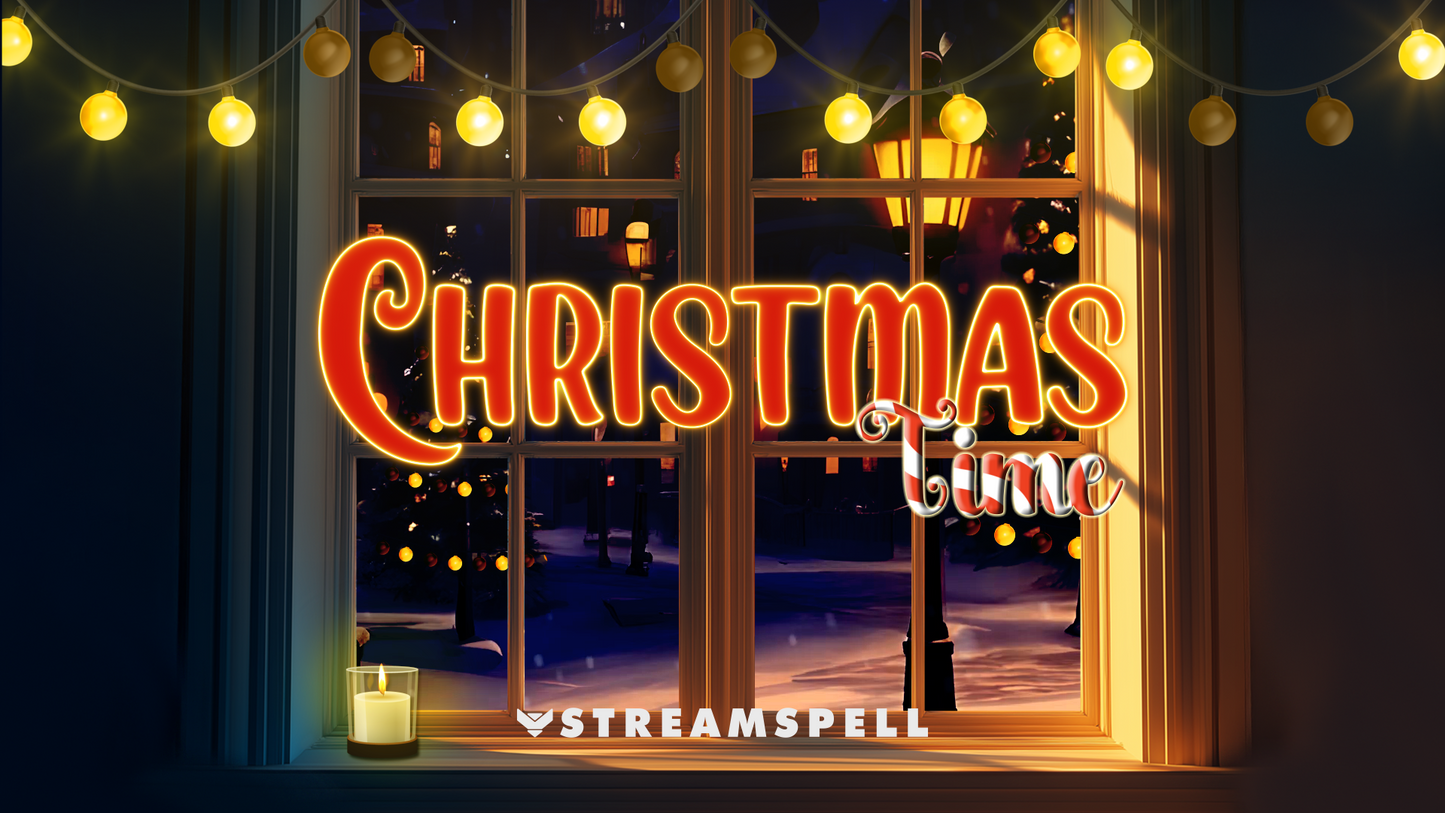
Bring the warmth, sparkle, and magic of Christmas straight to your stream with the Christmas Time Stream Package: a festive overlay set filled with cozy lights, snow-glow touches, and soft holiday animations perfect for Just Chatting, gaming, or cozy seasonal streams.
Animated alerts? ✅
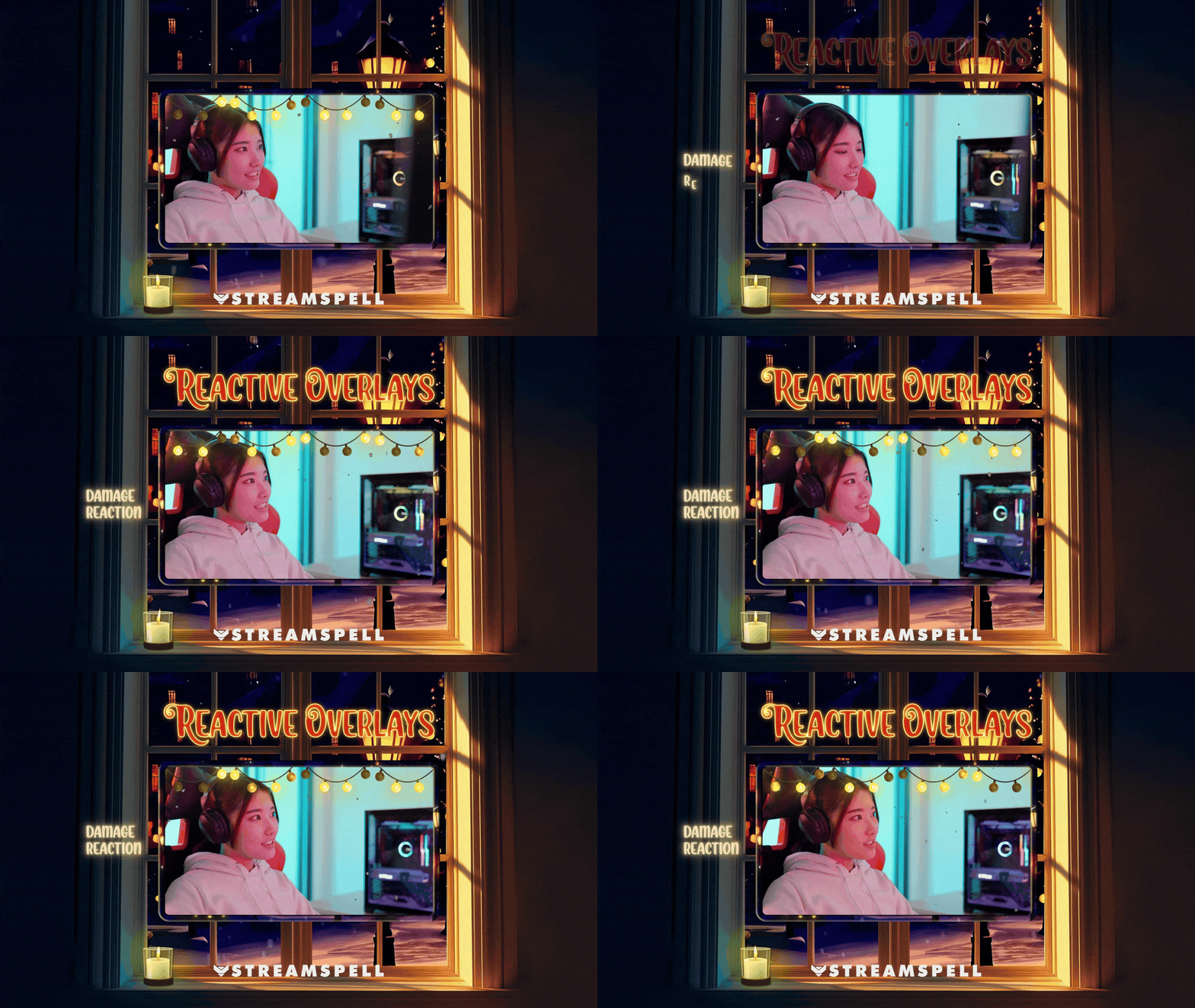
Reactive overlays for Win & Damage? Absolutely!
Vertical + horizontal screens for multistreaming? Of course!
A complete holiday streaming experience made for creators who want a soft, cheerful, and heart-warming Christmas aesthetic.
Webcam Overlay (16:9): Cozy, decorative frame with soft lighting and holiday charm.
Cozy streamers, holiday creators, and Christmas season enthusiasts
Just Chatting, cozy gaming, reading sessions, and festive community streams
Games with winter vibes like Animal Crossing, Coral Island, Stardew Valley, Disney Dreamlight Valley, Minecraft, Genshin Impact (Dragonspine), or any Christmas special stream
Twitch
YouTube
Facebook Gaming
Kick
Trovo
OBS Studio
Streamlabs Desktop (includes Reactive Overlays and Dual-Output)
StreamElements
Lightstream
XSplit
Meld
*Widgets can be used in OBS via Browser Source.
*Reactive Overlays (Win & Damage reactions) are exclusive to Streamlabs Desktop!
Apex Legends
Battlefield
Black Ops 6
Counter-Strike 2
Fortnite
League of Legends
Marvel Rivals
Overwatch 2
PUBG
Rainbow Six Siege
Valorant
War Thunder
Warzone
…and more gaming titles coming soon!
The Christmas Time Stream Package brings a warm festive glow to your broadcasts: blending cozy lights, soft animations, and a cheerful holiday aesthetic that fills your stream with Christmas magic.
Light the tree. Warm the cocoa.
Stream in holiday style✨
Yes. StreamSpell stream packages are made for OBS Studio, Streamlabs Desktop, StreamElements, and other streaming apps that support custom media sources, overlays, alerts, and widgets.
The download includes the files and setup assets you need to add the package to your stream. Streamlabs users can use the included quick install file. Other apps can be set up manually by adding the included screens, overlays, alerts, widgets, and transition files.
You can easily change colors of any stream overlay by right clicking the overlay's source, clicking on Filters and then adding a Color Correction filter.
Yes. The stream assets are platform-friendly and can be used while streaming on Twitch, YouTube, Kick, Facebook, TikTok, Instagram, and other platforms, as long as your streaming app supports the included media and widget setup.
The package includes the stream assets listed in the “What’s Included” section, such as screens, overlays, alerts, widgets, transitions, setup files, and guides when available.