Screens
Animated: 4 Horizontal
Starting Soon , Be Right Back , Ending , Just Chatting
Offline screen included
Works with all apps and platforms




.svg)



Everything you need to launch a polished stream setup.
Animated: 4 Horizontal
Starting Soon , Be Right Back , Ending , Just Chatting
Offline screen included
12 Animated Alerts
Twitch, YouTube, Facebook, Kick
1 Webcam Overlay
Ratios: 16:9
Event Slot
Animated Transition
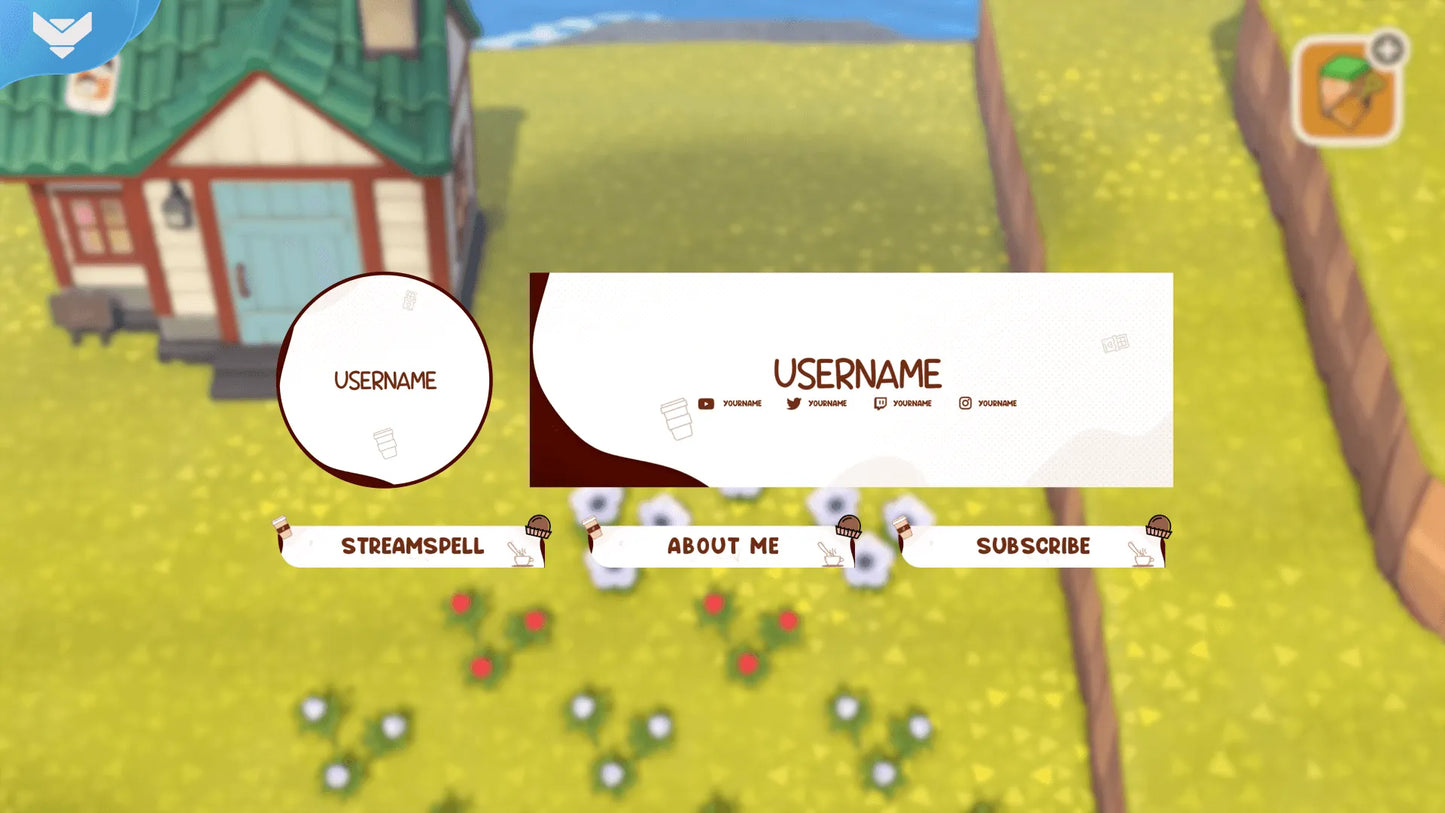
Profile Picture, Banners, Stream Panels
PSD Source Files, Fonts, Icons
Step-by-step setup included
Upgrade your stream instantly with Choco Lovers Stream Package – fully animated, easy to install, and 100% compatible with OBS Studio, Streamlabs Desktop, and StreamElements.
All designs have full compatibility with Streamlabs OBS and StreamElements.
You can't buy happiness, but you can definitely buy chocolate, and well... That's kinda the same thing! 🍫
Time to grab a delicious chocolate milk cup, a chocolate bar, or any other chocolate candy! Our Choco Lovers Stream Package has arrived to everyone's delight!
A good day only begins after some chocolate! Can you smell its delicious aroma just by thinking about it? Inspired by this, we developed this amazing design especially for all chocolate lovers around the world!
Watch the alerts showing up just like chocolate milk being poured on a cup, while some other delicious candy show up as well!
In our animated transition you can watch chocolate milk fill your entire screen taking you to the next moment of your stream!
It goes perfectly with 'Just Chatting' streams, where you can interact with your viewers in a more chilled out and pleasant vibe!
Meant for:
Works perfectly with:
This package contains:
Yes. StreamSpell stream packages are made for OBS Studio, Streamlabs Desktop, StreamElements, and other streaming apps that support custom media sources, overlays, alerts, and widgets.
The download includes the files and setup assets you need to add the package to your stream. Streamlabs users can use the included quick install file. Other apps can be set up manually by adding the included screens, overlays, alerts, widgets, and transition files.
You can easily change colors of any stream overlay by right clicking the overlay's source, clicking on Filters and then adding a Color Correction filter.
Yes. The stream assets are platform-friendly and can be used while streaming on Twitch, YouTube, Kick, Facebook, TikTok, Instagram, and other platforms, as long as your streaming app supports the included media and widget setup.
The package includes the stream assets listed in the “What’s Included” section, such as screens, overlays, alerts, widgets, transitions, setup files, and guides when available.