What's Included

Everything you need to launch a polished stream setup.

Screens

Animated: 4 Horizontal

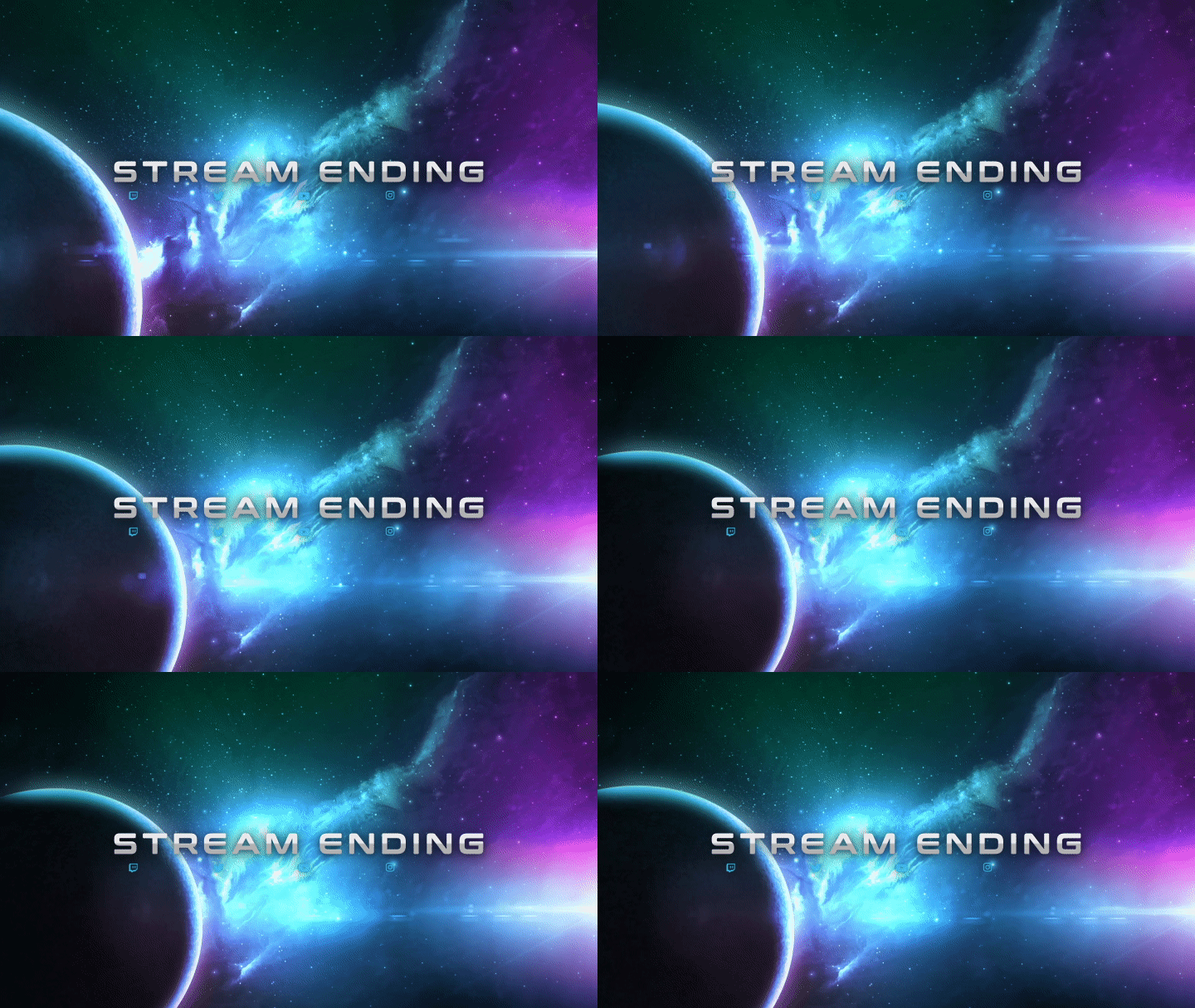
Starting Soon , Be Right Back , Ending , Just Chatting

Offline screen included

Alerts

12 Animated Alerts

Twitch, YouTube, Facebook, Kick

Overlays

1 Webcam Overlay

Ratios: 16:9

Event Slot

Animated Transition

Social Media Kit

Profile Picture, Banners, Stream Panels

PSD Source Files, Fonts, Icons

Setup Guide

Step-by-step setup included

Overview

Upgrade your stream instantly with Galaxy Stream Package – fully animated, easy to install, and 100% compatible with OBS Studio, Streamlabs Desktop, and StreamElements.


Ready, set, GO! 🚀

Our Galaxy Stream Package was designed specially for intergalactic adventurers and outer space lovers.


Built with realistic planet 3D models and special camera effects, this design pack does a perfect job to set up your audience for epic cinematics (aka your content). The camera movement will make your stream more immersive, and the futuristic webcam and stream labels overlays will make sure your brand is being as high tech as it can be.

The cherry on the top is the animated transition stinger, which is a fast and elegant blue flare: this will remind your audience that yes, they are part of your content too!

Meant for:

  • Twitch
  • Mixer
  • Youtube
  • Facebook Gaming
  • Trovo
  • Kick

Works perfectly with:

  • Streamlabs OBS
  • StreamElements
  • OBS Studio
  • Lightstream
  • XSplit
  • and more!

This package contains:

  • Setup Tutorials
  • 4 Animated Screens - Starting, BRB, Ending, Just Chatting
  • 1 Offline Screen
  • 12 Animated Alerts (with sound effects)- Twitch, Mixer, Youtube and Facebook Gaming
  • Webcam Frame - 16:9
  • Stream Labels Overlay - Latest Follower, Latest Donation, Latest Sub
  • 43 Stream Panels
  • Animated Stinger Transition
  • Social Media Headers - Twitch, Twitter, Youtube, Facebook
  • Social Media Profile Picture
  • Source Files (.PSD)
  • Font

Frequently Asked Questions

Does this stream package work with OBS Studio?

Yes. StreamSpell stream packages are made for OBS Studio, Streamlabs Desktop, StreamElements, and other streaming apps that support custom media sources, overlays, alerts, and widgets.

How do I install this stream package?

The download includes the files and setup assets you need to add the package to your stream. Streamlabs users can use the included quick install file. Other apps can be set up manually by adding the included screens, overlays, alerts, widgets, and transition files.

Can I change the colors?

You can easily change colors of any stream overlay by right clicking the overlay's source, clicking on Filters and then adding a Color Correction filter.

Can I use this on Twitch, YouTube, Kick, TikTok, Instagram, or Facebook?

Yes. The stream assets are platform-friendly and can be used while streaming on Twitch, YouTube, Kick, Facebook, TikTok, Instagram, and other platforms, as long as your streaming app supports the included media and widget setup.

What is included in the download?

The package includes the stream assets listed in the “What’s Included” section, such as screens, overlays, alerts, widgets, transitions, setup files, and guides when available.

StreamSpell

Galaxy Stream Package

Stream Package

Regular price $23.00 USD
Sale price $23.00 USD
Sale Sold out
Shipping calculated at checkout.
View full details

Details

Color
BluePurple
Compatibility
OBS StudioStreamlabs DesktopStreamElementsMeld Studio
Works with
TwitchYouTubeInstagramTikTokKickFacebook
File types
WEBMPNGJPG
License
Personal Use
Delivery
Instant Digital Download