Works with all apps and platforms




.svg)



Overview
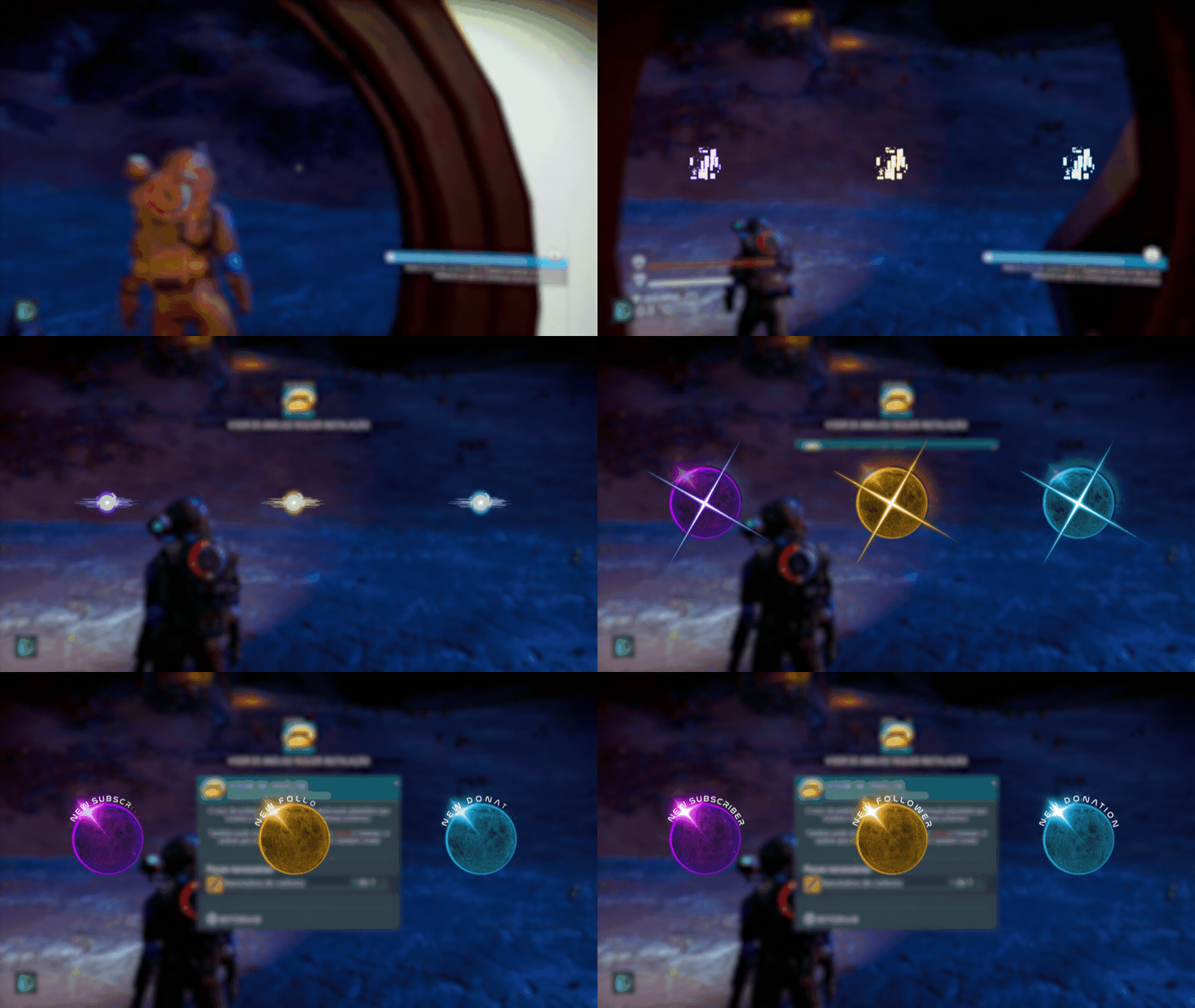
Upgrade your stream instantly with Galaxy: DarkSide Stream Alerts – fully animated, easy to install, and 100% compatible with OBS Studio, Streamlabs Desktop, and StreamElements.
All designs have full compatibility with Streamlabs OBS and StreamElements.
The beauty that dwells in darkness 🌓
We invite you to explore our Galaxy: DarkSide Stream Alerts!
This product is part of our Galaxy: DarkSide Stream Package. You can see all the animations below!
The incredible theme of this package, which has served as an inspiration even for the great progressive rock band, has allowed the wonderful design with a lot of purples that shows you the beauty that exists on the other side of the moon. You will lose your breath, not because of gravity, but because of the colors and 3D effects that take you to enjoy this trip really over the moon!
Not to mention that it matches perfectly with games like Destiny 2, Halo, Warframe, The Division and everything moon lovers like!
Meant for:
- Twitch
- Youtube
- Facebook Gaming
- Trovo
- Kick
Works perfectly with:
- Streamlabs OBS
- StreamElements
- OBS Studio
- Lightstream
- XSplit
- and more!
This package contains:
- Setup Tutorials
- 4 Animated Screens - Starting, BRB, Ending, Just Chatting
- 1 Offline Screen
- 12 Animated Alerts (without sound effects)- Twitch, Youtube and Facebook Gaming
- Webcam Frame - 16:9
- Modular Stream Labels Overlays - custom icons for each event
- 43 Stream Panels
- Animated Stinger Transition
- Social Media Headers - Twitch, Twitter, Youtube, Facebook
- Social Media Profile Picture
- Source Files (.PSD)
- Font
Frequently Asked Questions
Does this alert pack work with my streaming setup?
Yes. StreamSpell alerts are made for streaming setups that support browser sources, widget URLs, or custom alert media, including Streamlabs, OBS Studio, StreamElements, and similar apps.
How do I install these stream alerts?
Most StreamSpell alert packs include a quick install link for Streamlabs. You can also copy the widget URL from Streamlabs and add it manually as a browser source or widget URL in apps that support custom widgets.
Can I use the alert files manually?
Yes. StreamSpell alert packs include the alert media files, so you can manually upload or configure them in platforms that support custom alert assets.
Can I customize the alerts?
Customization depends on the alert pack. Some alerts include editable settings or custom fields, while others are delivered as finished ready-to-use alert animations. Check the product details for the exact files and options included.
Can I use these alerts on Twitch, YouTube, Kick, or Facebook?
Yes. The alerts can be used with streams on Twitch, YouTube, Kick, Facebook, and other platforms as long as your streaming app or alert platform supports the included setup.
Is this a physical product?
No. This is a digital download. After purchase, you receive access to the files or setup instructions online.
Details
- Color
- Compatibility
- Works with
- File types
- License
- Personal Use
- Delivery
- Instant Digital Download