Screens
Animated: 4 Horizontal
Starting Soon , Be Right Back , Ending , Just Chatting
Offline screen included
Works with all apps and platforms




.svg)



Everything you need to launch a polished stream setup.
Animated: 4 Horizontal
Starting Soon , Be Right Back , Ending , Just Chatting
Offline screen included
12 Animated Alerts
Twitch, YouTube, Facebook, Kick
1 Webcam Overlay
Ratios: 16:9
Event Slot
Animated Transition
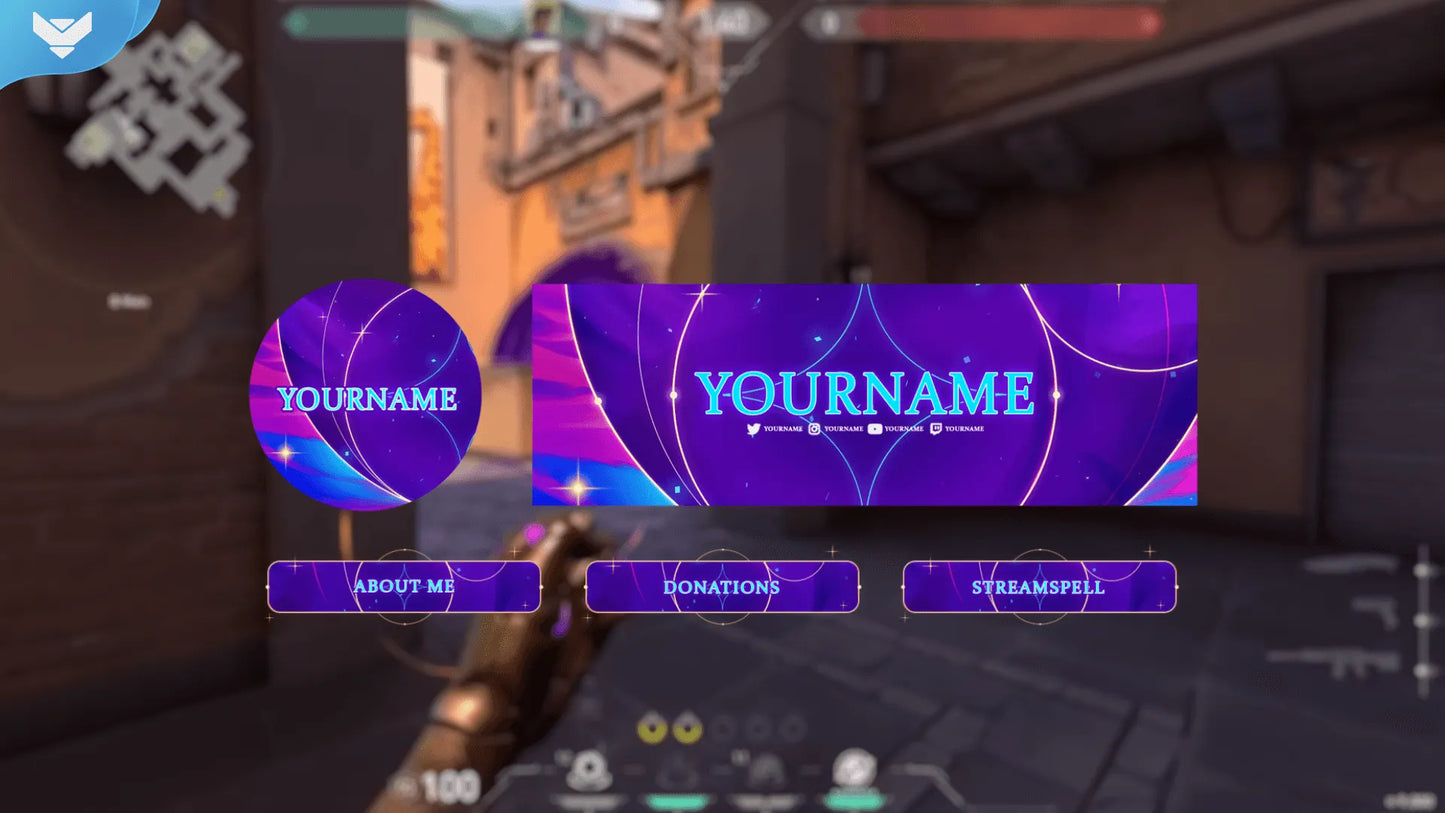
Profile Picture, Banners, Stream Panels
PSD Source Files, Fonts, Icons
Step-by-step setup included
Upgrade your stream instantly with Astra Stream Package – fully animated, easy to install, and 100% compatible with OBS Studio, Streamlabs Desktop, and StreamElements.
All designs have full compatibility with Streamlabs OBS and StreamElements.
✨ New energy now! 🌌
Our Astra Stream Package is available to enjoy your cosmic energy!
Filled with stellar radiance from the universe, this package will have you controlling any map to ambush and defeat your enemies!
With colors like purple, pink, blue, and white details your stream will have the cool and stunning design inspired by the Ghanaian agent.
Its bright and colorful background makes stars shine on your screen matching the galactic effects and cosmic color mix.
Animated and sound alerts add the special touch with glowing effects announcing the arrival of new followers, donations, and more!
The scene switch happens with the purple nebula with powerful stardust in our animated transition.
Ideal for you who like to take control in games like Valorant, League of Legends, and whatever else you want!
Meant for:
Works perfectly with:
This package contains:
Yes. StreamSpell stream packages are made for OBS Studio, Streamlabs Desktop, StreamElements, and other streaming apps that support custom media sources, overlays, alerts, and widgets.
The download includes the files and setup assets you need to add the package to your stream. Streamlabs users can use the included quick install file. Other apps can be set up manually by adding the included screens, overlays, alerts, widgets, and transition files.
You can easily change colors of any stream overlay by right clicking the overlay's source, clicking on Filters and then adding a Color Correction filter.
Yes. The stream assets are platform-friendly and can be used while streaming on Twitch, YouTube, Kick, Facebook, TikTok, Instagram, and other platforms, as long as your streaming app supports the included media and widget setup.
The package includes the stream assets listed in the “What’s Included” section, such as screens, overlays, alerts, widgets, transitions, setup files, and guides when available.