Screens
Animated: 4 Horizontal
Starting Soon , Be Right Back , Ending , Just Chatting
Offline screen included
Works with all apps and platforms




.svg)



Everything you need to launch a polished stream setup.
Animated: 4 Horizontal
Starting Soon , Be Right Back , Ending , Just Chatting
Offline screen included
12 Animated Alerts
Twitch, YouTube, Facebook, Kick
1 Webcam Overlay
Ratios: 16:9
Event Slot
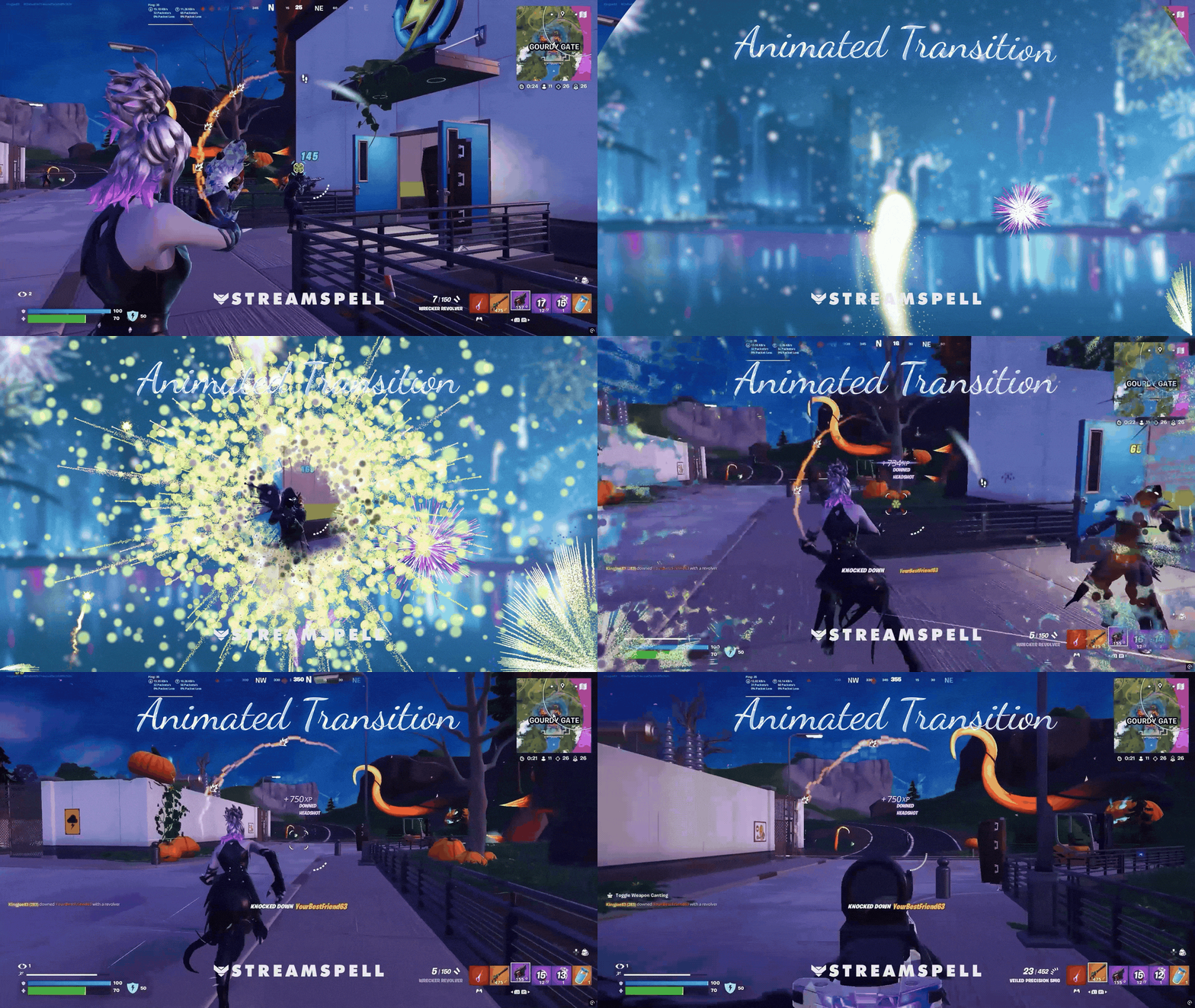
Animated Transition
Step-by-step setup included
Winter Fireworks is a winter edition of the New Year: Fireworks stream package, designed to welcome the arrival of a new year with a bold, celebratory atmosphere.
The visuals feature a snowy city night scene, glowing lights, water reflections, and colorful fireworks illuminating the sky, perfect for high-energy New Year streams with a clean winter aesthetic.
This collection includes two visual versions:
Winter Version: clean winter look with snow and icy tones
Holiday Version: festive variation with seasonal decorative elements
You can use either version or mix elements from both to build your stream layout exactly the way you prefer.
Animated Stream Screens: Horizontal (16:9) and Vertical (ideal for dual output, Shorts, Reels, TikTok)
Webcam Overlay
Animated Stream Alerts
Stinger Transition
Reactive Overlays: Kill, Death, Win, and Loss counters
⚠️ Reactive overlays are available only for Streamlabs Desktop
New Year and winter-themed streams
Competitive and ranked gameplay
Streamers using horizontal + vertical layouts
High-energy broadcasts with reactive visual feedback
Twitch
YouTube
Facebook Gaming
Kick
Trovo
OBS Studio
Streamlabs Desktop (includes Reactive Overlays and Dual-Output support)
StreamElements
Lightstream
XSplit
Reactive overlays (Kill, Death, Win, Loss) work exclusively with Streamlabs Desktop
They are not compatible with OBS Studio or StreamElements
All other assets (screens, alerts, stinger, webcam overlay) work normally across supported platforms
Reactive Overlays are supported only in the following games:
Yes. StreamSpell stream packages are made for OBS Studio, Streamlabs Desktop, StreamElements, and other streaming apps that support custom media sources, overlays, alerts, and widgets.
The download includes the files and setup assets you need to add the package to your stream. Streamlabs users can use the included quick install file. Other apps can be set up manually by adding the included screens, overlays, alerts, widgets, and transition files.
You can easily change colors of any stream overlay by right clicking the overlay's source, clicking on Filters and then adding a Color Correction filter.
Yes. The stream assets are platform-friendly and can be used while streaming on Twitch, YouTube, Kick, Facebook, TikTok, Instagram, and other platforms, as long as your streaming app supports the included media and widget setup.
The package includes the stream assets listed in the “What’s Included” section, such as screens, overlays, alerts, widgets, transitions, setup files, and guides when available.