Screens
Animated: 4 Horizontal, 4 Vertical
Starting Soon , Be Right Back , Ending , Just Chatting
Offline screen included
Works with all apps and platforms




.svg)



Everything you need to launch a polished stream setup.
Animated: 4 Horizontal, 4 Vertical
Starting Soon , Be Right Back , Ending , Just Chatting
Offline screen included
12 Animated Alerts
Twitch, YouTube, Facebook, Kick
1 Webcam Overlay
Ratios: 16:9
Event Slot
Animated Transition
Profile Picture, Banners, Stream Panels
PSD Source Files, Fonts, Icons
Step-by-step setup included
Upgrade your stream instantly with Battousai Stream Package – fully animated, easy to install, and 100% compatible with OBS Studio, Streamlabs Desktop, and StreamElements.
All designs have full compatibility with Streamlabs OBS and StreamElements.
The Mighty Manslayer ⚔️
The rōnin seeking his redemption in our newest Battousai Stream Package!
You can see Sakabatō, the legendary sword of the inverted blade, which possesses all power and the strength of the souls of those who were killed by it, bringing the courage and skills of the legendary Hitokiri Battōsai to this amazing package!
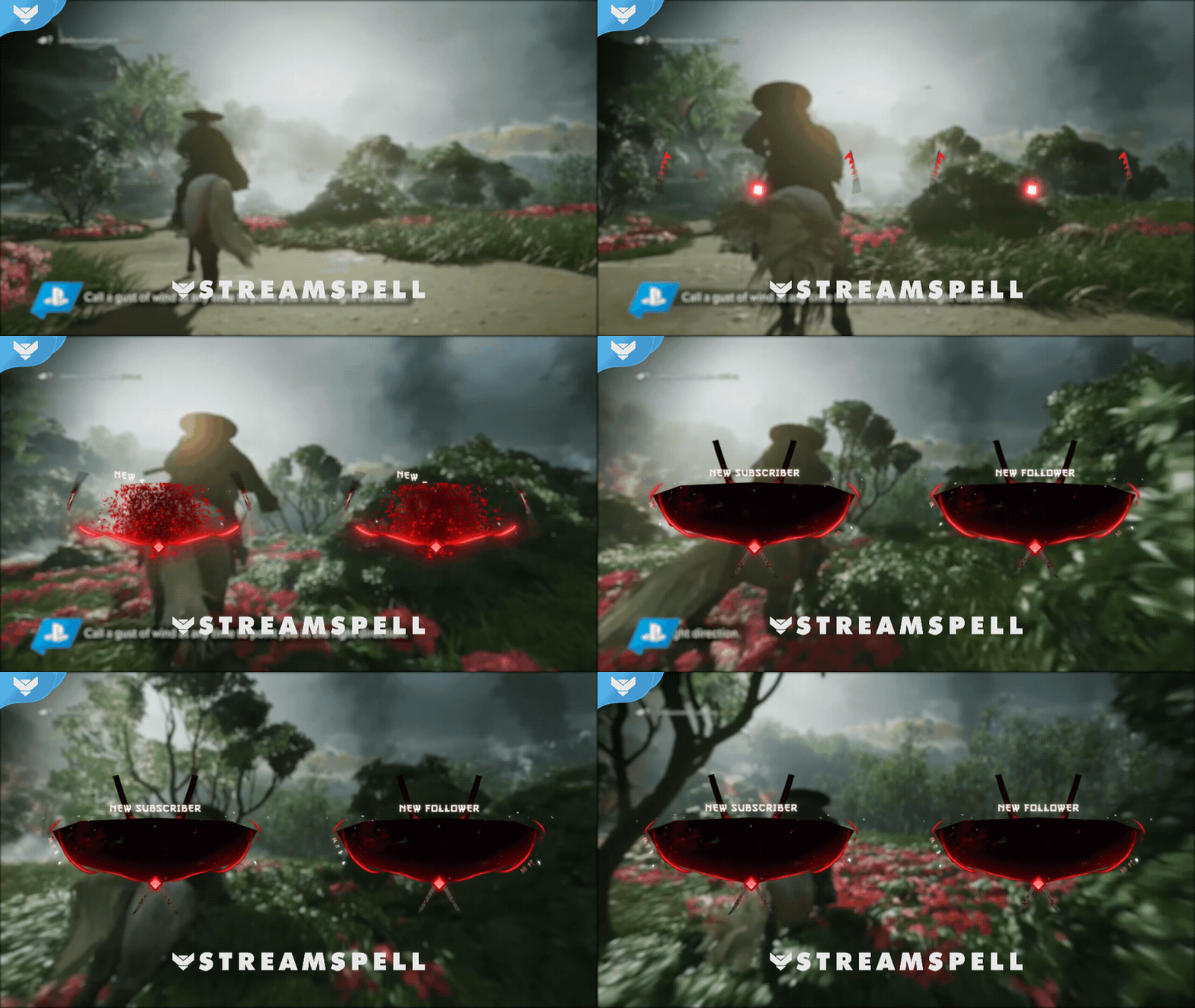
Two katanas appear doing the characteristic moves of Battoujutsu until they cross each other in the middle of our animated alerts!
Hitokiri makes his mark on our animated transition, which promotes scene switching with the legendary movement of his Sakabatō!
Perfect for showing off your ninja skills in games like Sekiro: Shadows Die Twice, Ghost of Tsushima, Nioh 2, and more!
Meant for:
Works perfectly with:
This package contains:
Yes. StreamSpell stream packages are made for OBS Studio, Streamlabs Desktop, StreamElements, and other streaming apps that support custom media sources, overlays, alerts, and widgets.
The download includes the files and setup assets you need to add the package to your stream. Streamlabs users can use the included quick install file. Other apps can be set up manually by adding the included screens, overlays, alerts, widgets, and transition files.
You can easily change colors of any stream overlay by right clicking the overlay's source, clicking on Filters and then adding a Color Correction filter.
Yes. The stream assets are platform-friendly and can be used while streaming on Twitch, YouTube, Kick, Facebook, TikTok, Instagram, and other platforms, as long as your streaming app supports the included media and widget setup.
The package includes the stream assets listed in the “What’s Included” section, such as screens, overlays, alerts, widgets, transitions, setup files, and guides when available.